
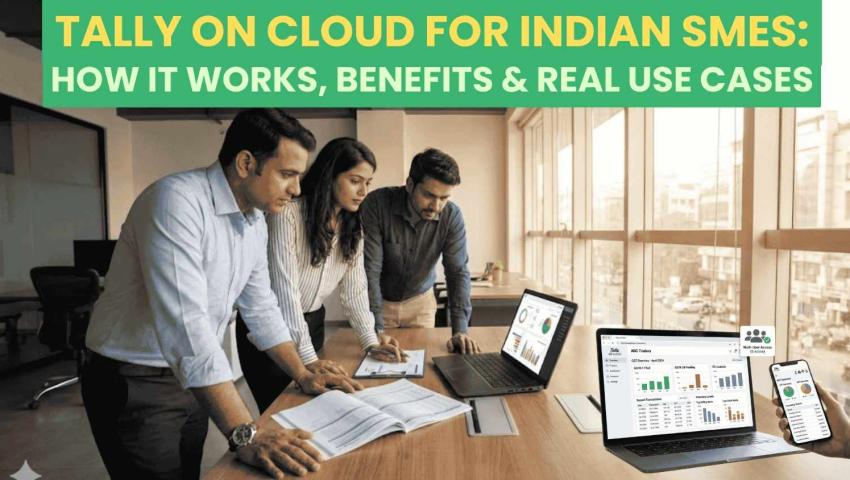
Tally on Cloud for Indian SMEs: How It Works, Benefits & Real Use Cases
 By Pragyantra
- Tally Solutions
- Dec 30, 2025
- 5 minutes read
- 160 Views
Tally on Cloud for Indian SMEs: How It Works, Benefits & Real Use Cases
1. The Real Problem Indian SMEs Face Today
Most Indian SMEs still run Tally on a single office desktop or local server. This setup works at the start, but problems appear as the business grows.
Common challenges include:
- Owners cannot access reports when they are traveling
- Accounts teams depend on one system or one person
- Data sharing with CA firms happens through backups and emails
- GST returns, MIS, and reconciliations take extra time
- Risk of data loss due to system failure or poor backup habits
In 2025, when businesses expect real-time visibility and remote working flexibility, this traditional setup often slows decision-making. This is where Tally on Cloudbecomes relevant.
2. What Is Tally on Cloud & Why It Matters for Indian SMEs

Tally on Cloud means running your existing Tally Prime software on a secure cloud server instead of a local computer. You access it through the internet using a laptop, desktop, or even a tablet.
For Indian SMEs, this matters because:
- Business operations are no longer limited to office hours or locations
- Owners want live access to sales, cash flow, and GST data
- CA firms need timely data without repeated follow-ups
- Multi-branch and remote teams are becoming common
In simple terms, Tally on Cloud brings flexibility, accessibility, and better control without changing how your accounting team works inside Tally.
3. How Tally on Cloud Works (Simple Explanation)
The process is straightforward:
- Your Tally Prime software is installed on a cloud server
- Your existing company data is securely migrated
- Users log in using remote access credentials
- Data stays centralized and updated in real time
- Regular backups and security monitoring run in the background
From the user’s perspective, Tally looks and feels the same. The difference is where it runs and how easily it can be accessed.
4. 5-Step Implementation Process
Step 1: Requirement Understanding
The first step is understanding how your business works:
- Number of users
- Single or multi-branch operations
- GST complexity
- Integration needs with other systems
This helps decide the right cloud configuration.
Step 2: Planning & Integration
At this stage:
- Cloud server capacity is planned
- User access rules are defined
- Integration needs are mapped (banking, CRM, dashboards)
For example, businesses using analytics dashboards or GST automation tools need stable, two-way data sync.
Step 3: Deployment, Migration & Testing
- Tally Prime is deployed on the cloud
- Existing data is migrated
- Trial entries and reports are tested
- GST, inventory, and reports are verified
This ensures no disruption to daily operations.
Step 4: User Training
Teams are guided on:
- Logging in securely
- Accessing data remotely
- Best practices for cloud usage
Training is usually short because the Tally interface remains familiar.
Step 5: Ongoing Support & Optimization
Post-deployment support includes:
- Performance monitoring
- Backup verification
- User access management
- Scaling resources when business grows
5. Real-World Indian SME Scenario

A mid-sized wholesale trading firm operates from Delhi with sales teams in multiple cities. Accounts were managed on a single office system. Every month-end, sales data was shared manually, leading to delays and mismatches.
After moving to Tally on Cloud, sales and accounts teams started working on the same live data. The owner could check daily sales and GST liability remotely. Month-end closures became smoother, and coordination with the CA improved.
No process changed overnight, but visibility and control improved steadily.
6. Realistic Benefits of Tally on Cloud
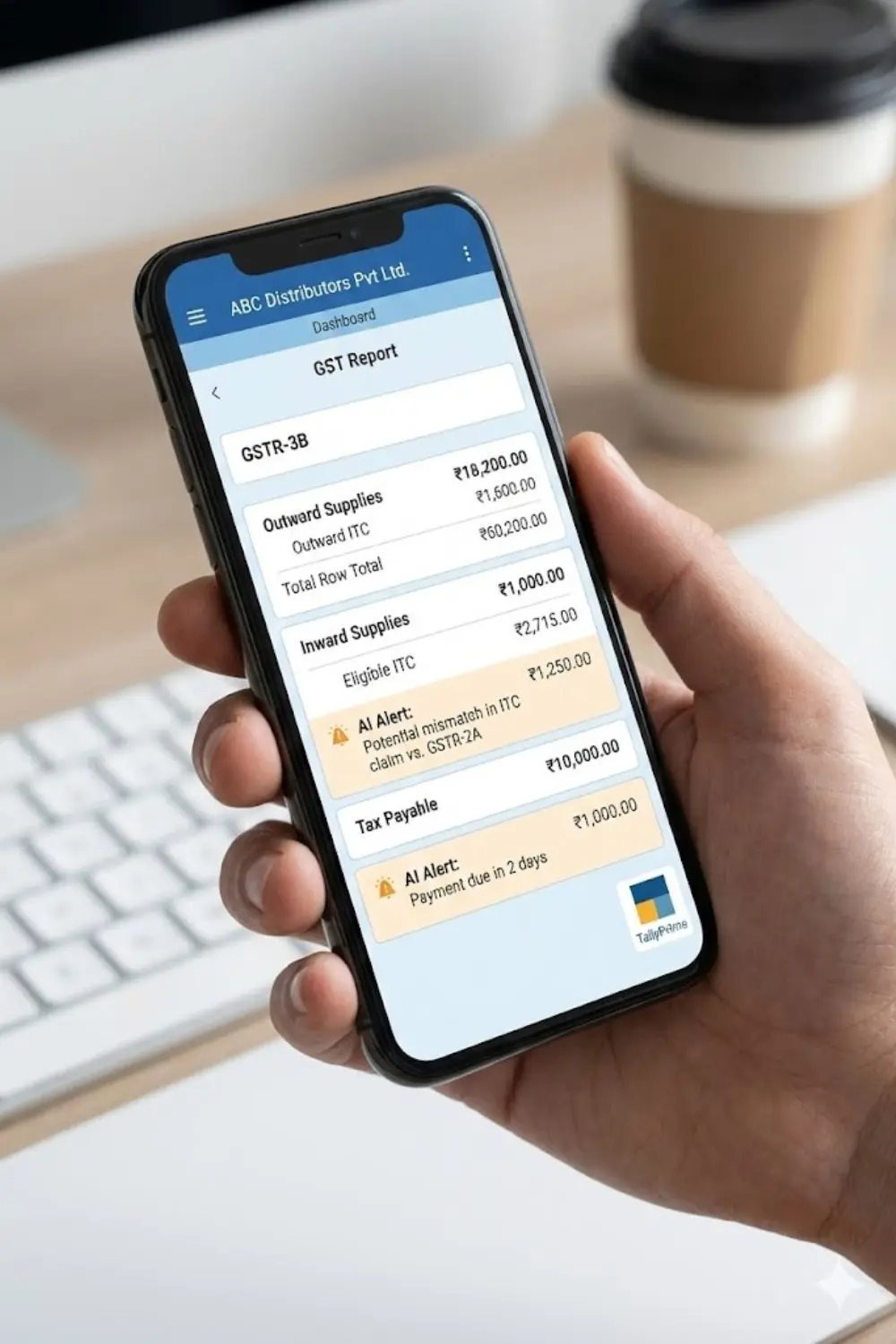
Tally on Cloud offers practical advantages, not magic solutions.
Key benefits include:
- Remote access: Work from office, home, or while traveling
- Centralized data: One source of truth for all users
- Improved collaboration: Accounts teams and CA firms work on live data
- Better data safety: Regular backups and controlled access
- Scalability: Easy to add users or branches
7. Who It Is For & When to Consider Alternatives

Well-Suited For
- SMEs with multiple locations
- Businesses working closely with CA firms
- Owners who want real-time visibility
- Companies planning integrations or dashboards
Consider Alternatives If
- You have very low transaction volume
- Only one person uses Tally occasionally
- Internet connectivity is unreliable in your area
In such cases, a local setup may still work better.
8. Frequently Asked Questions
Is Tally on Cloud legal in India?
- Yes. You use the same licensed Tally software, only hosted on a cloud server.
Does cloud hosting affect GST compliance?
- No. In fact, it often helps by improving data availability and accuracy for GST filings.
Can multiple users work at the same time?
- Yes, based on your licence and cloud configuration.
Is my data safe on the cloud?
- Security depends on the service provider. Proper access controls, backups, and monitoring are essential.
Can Tally on Cloud integrate with dashboards or other tools?
- Yes. Many businesses combine cloud-hosted Tally with analytics dashboards and automation tools.
Explore: Tally Integration Services
9. How Solutions Like Ours Help (Without Over-Promise)
For businesses that want more than just remote access, cloud-hosted Tally becomes a foundation.
When combined with centralized dashboards and automation tools, it can support:
- Real-time MIS and reporting
- Reduced manual exports and imports
- Better coordination between accounting, sales, and management
This is especially useful for SMEs using multiple systems together.
Learn more about how our platform connects accounting and operations:
Explore: AI Business Dashboard, Real-Time Insights & Automation(Home)
10. Soft, Honest CTA
If you are evaluating whether Tally on Cloud fits your business setup,
you can discuss your requirements with our team to understand options and limitations clearly.

Pragyantra
Leave a comment
Your email address will not be published. Required fields are marked *