
WhatsApp Integration for Business in India: A Practical Guide for SMEs
 By Pragyantra
- Integrations & APIs
- Dec 30, 2025
- 4 minutes read
- 141 Views
WhatsApp Integration for Business in India: A Practical Guide for SMEs
1. The Real Problem Indian SMEs Are Facing
Most Indian SMEs already use WhatsApp to communicate with customers, vendors, and internal teams.
But this communication usually happens on personal phones, separate from accounting systems, CRM, inventory tools, and order management.
This creates daily problems:
- Customer messages are not linked to invoices or orders
- Follow-ups are missed when staff changes
- Support teams cannot track conversation history
- Manual updates are required in Tally, CRM, or spreadsheets
- Management has no visibility of customer communication performance
As businesses grow, this unstructured approach becomes expensive and risky.
This is where WhatsApp integration for business becomes relevant.
2. What Is WhatsApp Integration & Why It Matters for Indian SMEs
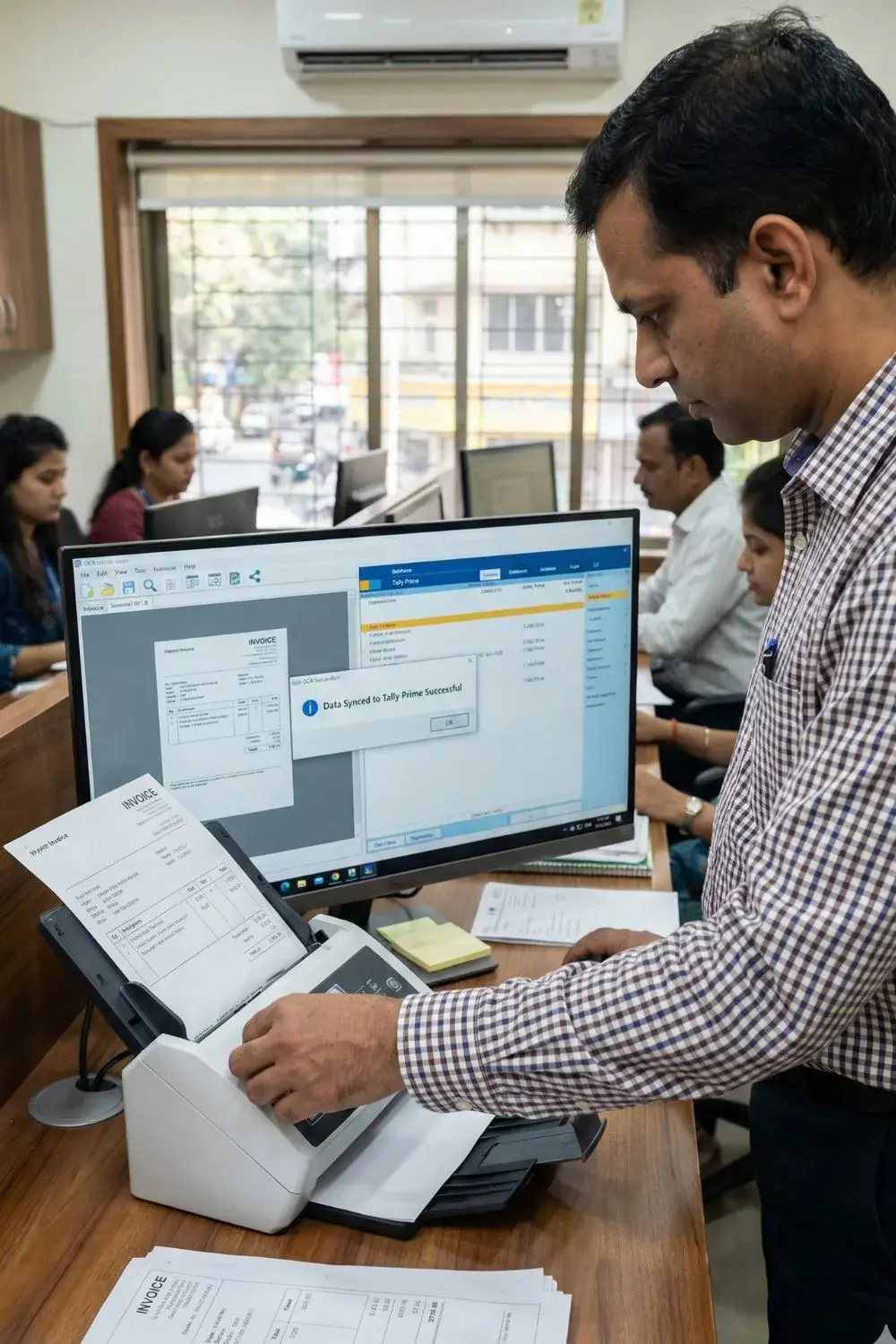
What is WhatsApp integration?
It means connecting WhatsApp with your business systems such as CRM, ERP, Tally, dashboards, and support tools, so customer conversations become part of your business workflow.
For Indian SMEs in 2025, it matters because:
- Customers expect fast, consistent responses
- Sales teams need message history with each customer
- Support teams need ticket tracking and escalation
- Management needs reporting and performance visibility
Instead of WhatsApp being just a chat app, it becomes a structured business communication channel.
3. How WhatsApp Integration Works (Simple Explanation)

The process usually includes:
- Creating and verifying a WhatsApp Business account
- Setting up WhatsApp API access
- Connecting WhatsApp with CRM, ERP, or dashboards
- Configuring automated replies, workflows, and alerts
- Training teams to use the integrated system
Messages, customer details, orders, and support tickets all stay connected in one system.
4. 5-Step Implementation Process
Step 1: Needs Understanding
Understanding business type, daily message volume, support model, sales workflow, and compliance needs.
Step 2: Planning & Integration
Mapping WhatsApp with CRM, accounting, order management, and dashboards.
Defining automation rules and approval flows.
Step 3: Development & Testing
API setup, workflow creation, message testing, and data validation.
Step 4: User Training
Training sales, support, and operations teams on message handling, escalation, and reporting.
Step 5: Ongoing Support & Optimization
Performance monitoring, automation improvements, compliance updates, and scaling.
5. Real Indian SME Scenario

A mid-sized trading company receives customer orders on WhatsApp.
Sales staff manually create invoices in Tally and update stock in a separate system.
Support teams track issues in spreadsheets.
After implementing WhatsApp CRM integration and business messaging automation, every order message now creates a lead, invoice draft, and stock update automatically.
Support conversations link directly to customer records.
Management views daily performance on the central dashboard.
The result is not instant transformation, but steady improvement in accuracy, speed, and coordination.
6. Realistic Benefits of WhatsApp Integration
- Centralized customer communication
- Reduced manual data entry
- Better follow-ups and response consistency
- Clear audit trail for support and sales
- Improved customer experience without adding staff
7. Who It’s For & When to Consider Alternatives
Well-suited for
- Growing SMEs handling high customer volume
- E-commerce, trading, service businesses
- Teams using CRM, Tally, or multiple software tools
Consider alternatives if
- Business has very low customer interaction
- Communication is mostly offline or phone-based
- No internal systems to integrate yet
8. FAQs
Why create a WhatsApp Business account?
To separate personal and business communication and enable API integration.
Is WhatsApp API integration legal in India?
Yes, when implemented under WhatsApp’s official business policies.
Can WhatsApp connect with Tally and dashboards?
Yes, through API-based integrations.
Explore: Tally API Integration services→ /tally-api-integration-services
Does WhatsApp automation replace human support?
No. Automation handles routine tasks, while complex cases still need human support.
Is WhatsApp useful for GST or invoicing updates?
Yes. Many SMEs send invoice notifications, payment reminders, and order confirmations through WhatsApp.
9. How Solutions Like Ours Help
When WhatsApp integration connects with Pragyantra’s AI-powered central dashboard, businesses gain:
- Live customer interaction metrics
- Automated sales and support workflows
- Unified view of messaging, accounting, inventory, and CRM
Learn more:CRM–ERP API Integrations→ /crm-erp-api-integrations
10. Soft CTA
If you’re planning to streamline customer communication,
learn more about our solutions or discuss your requirements with our team.

Pragyantra
Leave a comment
Your email address will not be published. Required fields are marked *