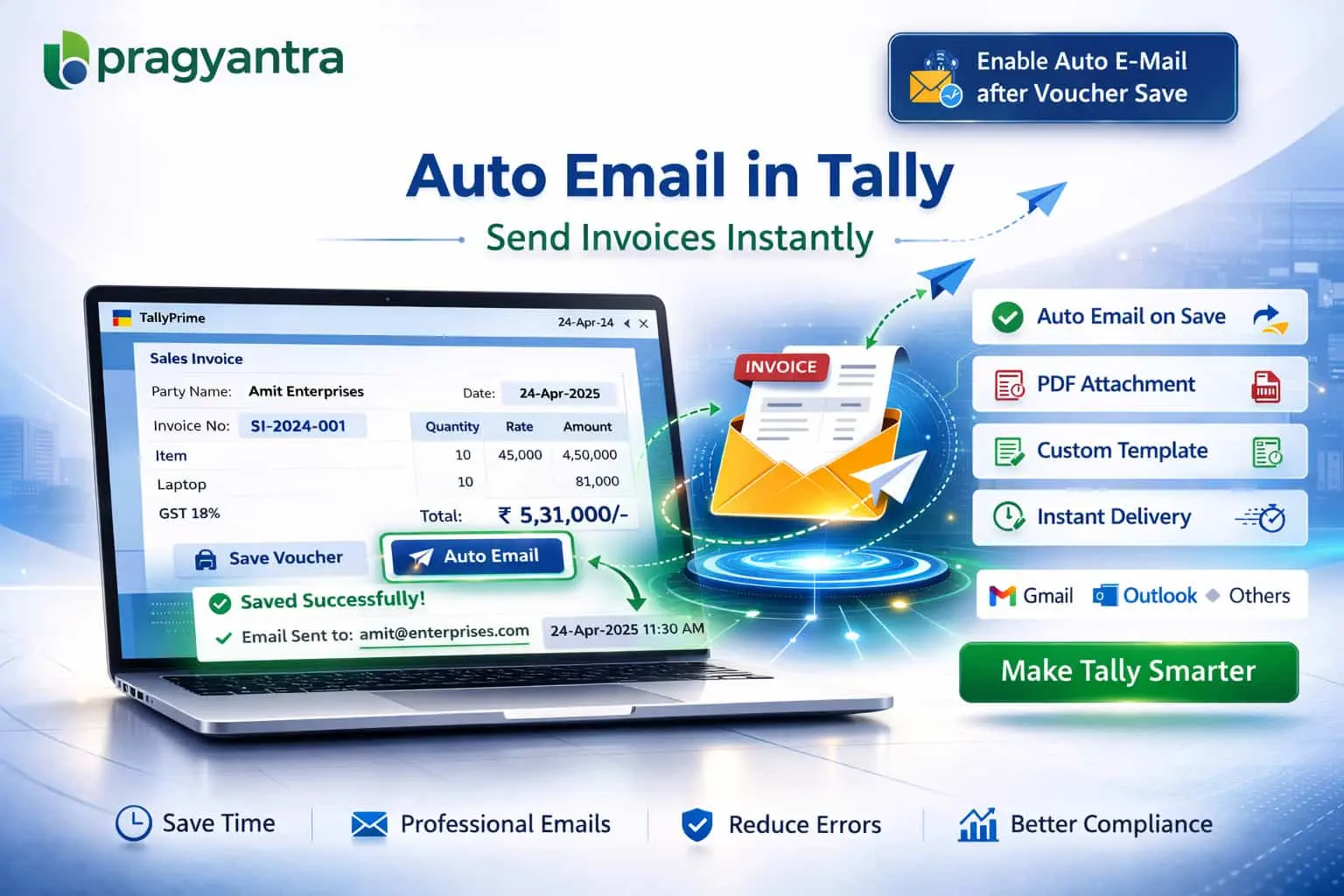

Enable Auto E-Mail after Voucher Save
Automatically send invoices and vouchers via email in TallyPrime with Pragyantra’s add‑on. Save time, improve communication, and automate your workflow.
Revolutionize Your Business Strategy with Our Expertise.
Introducing Our New Business Consulting Solutions!
Elevate Your Business with Our Comprehensive Consulting Services.

In modern business environments, real-time communication and automation are essential for efficiency. Businesses often need to send documents like invoices, receipts, and payment confirmations immediately. However, manually sending emails after every entry can be:
The Enable Auto E‑Mail after Voucher Save Add‑on by Pragyantra automates this entire process by sending emails automatically the moment a voucher is saved in TallyPrime.
This add‑on is a custom Tally module that triggers an automated email delivery system integrated into your voucher saving screen. With this add‑on installed, Tally can:
Manual emailing is a bottleneck that slows down your "Order-to-Cash" cycle. If your customer gets the invoice the same second you save it, your payment cycle improves. The Pragyantra Auto Email Add‑on ensures consistent and real-time document sharing without any extra effort from your accounting team.
Automatic Email Trigger
The email is triggered in the background as soon as you confirm 'Yes' to save the voucher.
Multi-Voucher Compatibility
Works seamlessly across Sales, Purchase Orders, Receipts, Payments, and Delivery Notes.
Smart Ledger Integration
Automatically fetches the recipient’s email address directly from the Ledger Master records.
Standardized Email Templates
Allows you to set predefined subject lines and body text (e.g., "Dear Customer, please find attached your Invoice...") for a professional touch.
Lightweight & High Performance
Optimized TDL architecture ensures that sending emails doesn't lag or freeze your Tally session.
This add‑on works with:
✔ TallyPrime
✔ Tally ERP 9
1. Do I need to enter the email ID every time I save an invoice?
No. The add-on automatically picks the email ID from the Party Ledger Master. If the ID is missing, Tally will prompt you to enter it before saving.
2. Can I send the email to multiple recipients (like the owner and the accounts department)?
Yes. You can mention multiple email addresses in the ledger master (separated by commas), and the add-on will deliver the voucher to all of them simultaneously.
3. Does it require an active internet connection to save the voucher?
Yes, for the email to be sent, your system needs to be connected to the internet. If you are offline, the voucher will save, but the email will not be delivered.
4. Will I get confirmation that the email has been sent?
Tally provides a status message once the email is successfully triggered, ensuring you have peace of mind that the document is on its way.
Stop wasting hours on manual emails. Let Pragyantra automate your document sharing so you can focus on growing your sales.
👉 Contact Pragyantra today to empower your TallyPrime with advanced automation.
Your email address will not be published. Required fields are marked *
Please login to write review!
Looks like there are no reviews yet.