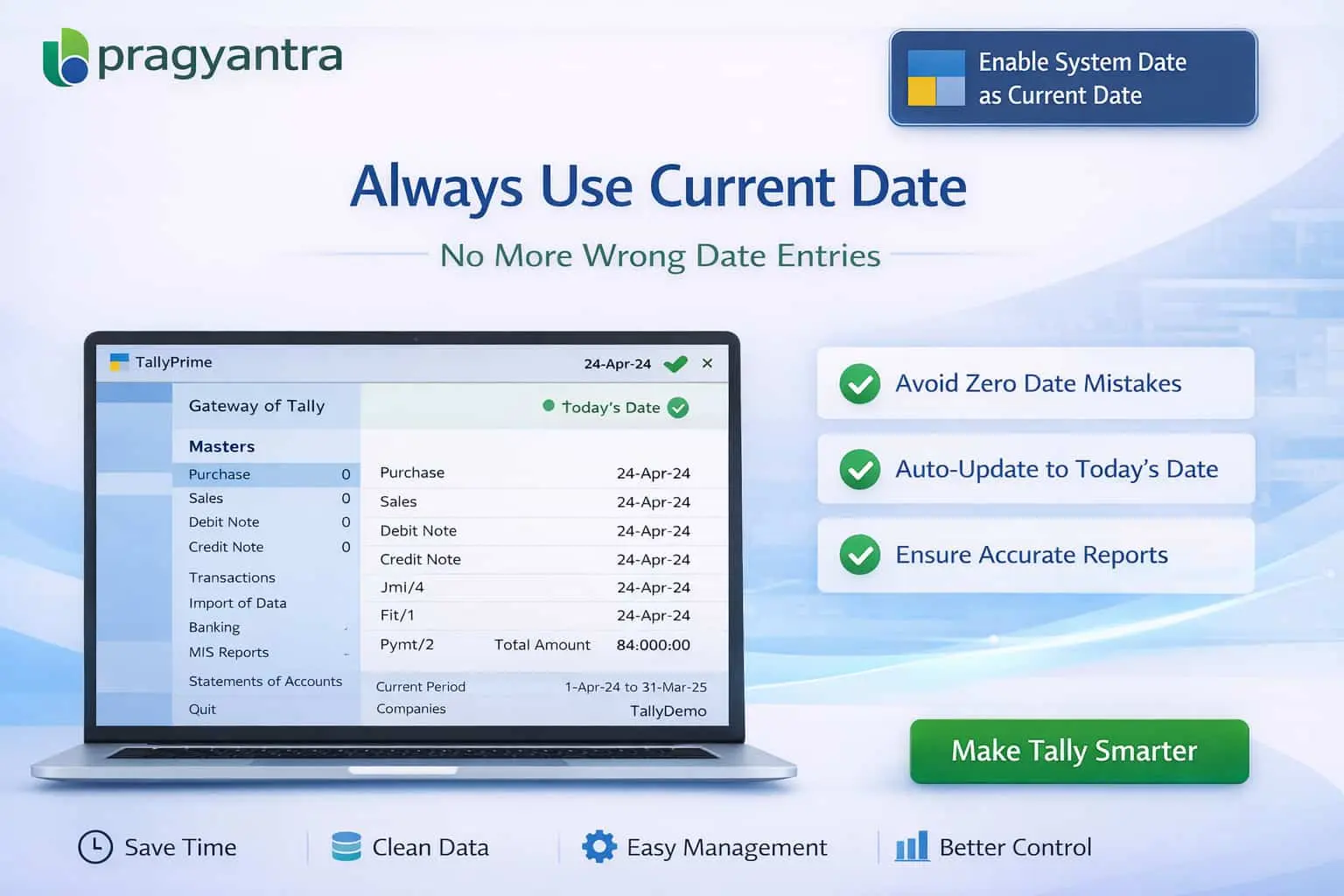
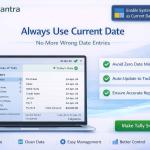
Enable System Date as Current Date
Automatically set system date to current date in TallyPrime with Pragyantra’s add‑on. Avoid date errors, improve accuracy, and ensure real-time accounting.
Introducing Our New Business Consulting Solutions!
Elevate Your Business with Our Comprehensive Consulting Services.
Revolutionize Your Business Strategy with Our Expertise.

In accounting workflows, maintaining the correct system date in TallyPrime is essential for accurate transaction recording. However, in fast-paced business environments, users often forget to update the system date manually, leading to:
The Enable System Date as Current Date Add‑on by Pragyantra ensures that your Tally system date is always synchronized with the current calendar date automatically, eliminating the risk of human error.
This add‑on is a custom Tally module that automatically links Tally’s internal system date with your computer’s actual clock. With this add‑on installed, Tally will:
Incorrect system dates can cause a ripple effect of accounting issues, especially during month-end or GST returns. The Pragyantra System Date Automation Add‑on solves this by providing always-correct date synchronization, ensuring your data remains reliable and audit-ready at all times.
Automatic Date Synchronization
The system date updates itself to the current calendar date the moment Tally is launched.
Prevent Wrong Date Entries
Significantly reduces the chances of recording current sales or purchases in a previous month’s date by mistake.
Works Across All Modules
Comprehensive date control for Sales, Purchase, Payment, Receipt, and Inventory vouchers.
Lightweight & High Performance
Built on optimized TDL architecture that ensures no delay in Tally's startup or voucher processing speed.
This add‑on works with:
✔ TallyPrime
✔ Tally ERP 9
1. Does this add-on prevent me from making backdated entries if I really need to?
The add-on ensures the default system date is always 'Today'. However, if you have the necessary permissions, you can still manually change the date for specific backdated adjustments.
2. What if my computer's date is wrong?
Tally picks up the date from the Operating System (Windows). Ensuring your PC's time and date are synchronized with the internet will guarantee perfect accuracy in Tally.
3. Will this work in a Multi-User environment?
Yes. This is especially useful for multi-user setups as it ensures every user's Tally is set to the same current date, preventing cross-entry date mismatches.
4. Does it update the date automatically at midnight?
Yes, as long as Tally is active or restarted, it will refresh and pick up the new current date as the system date for your transactions.
Eliminate manual date changes and backdated entry errors. Keep your TallyPrime always up-to-date with Pragyantra’s System Date Automation Add-on.
👉 Contact Pragyantra today to simplify your daily Tally operations and ensure 100% data consistency.
Your email address will not be published. Required fields are marked *
Please login to write review!
Looks like there are no reviews yet.