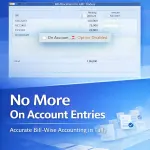
Disable ‘On Account’ Method of Bills Adjustment
Disable ‘On Account’ method in TallyPrime with Pragyantra’s add‑on. Enforce bill-wise adjustments, improve outstanding tracking, and ensure accurate accounting.
Introducing Our New Business Consulting Solutions!
Revolutionize Your Business Strategy with Our Expertise.
Elevate Your Business with Our Comprehensive Consulting Services.

In TallyPrime, while recording receipts or payments, users often have the option to adjust amounts using the “On Account” method instead of linking them to specific invoices or bills. While this feature provides flexibility, it often creates serious accounting mess such as:
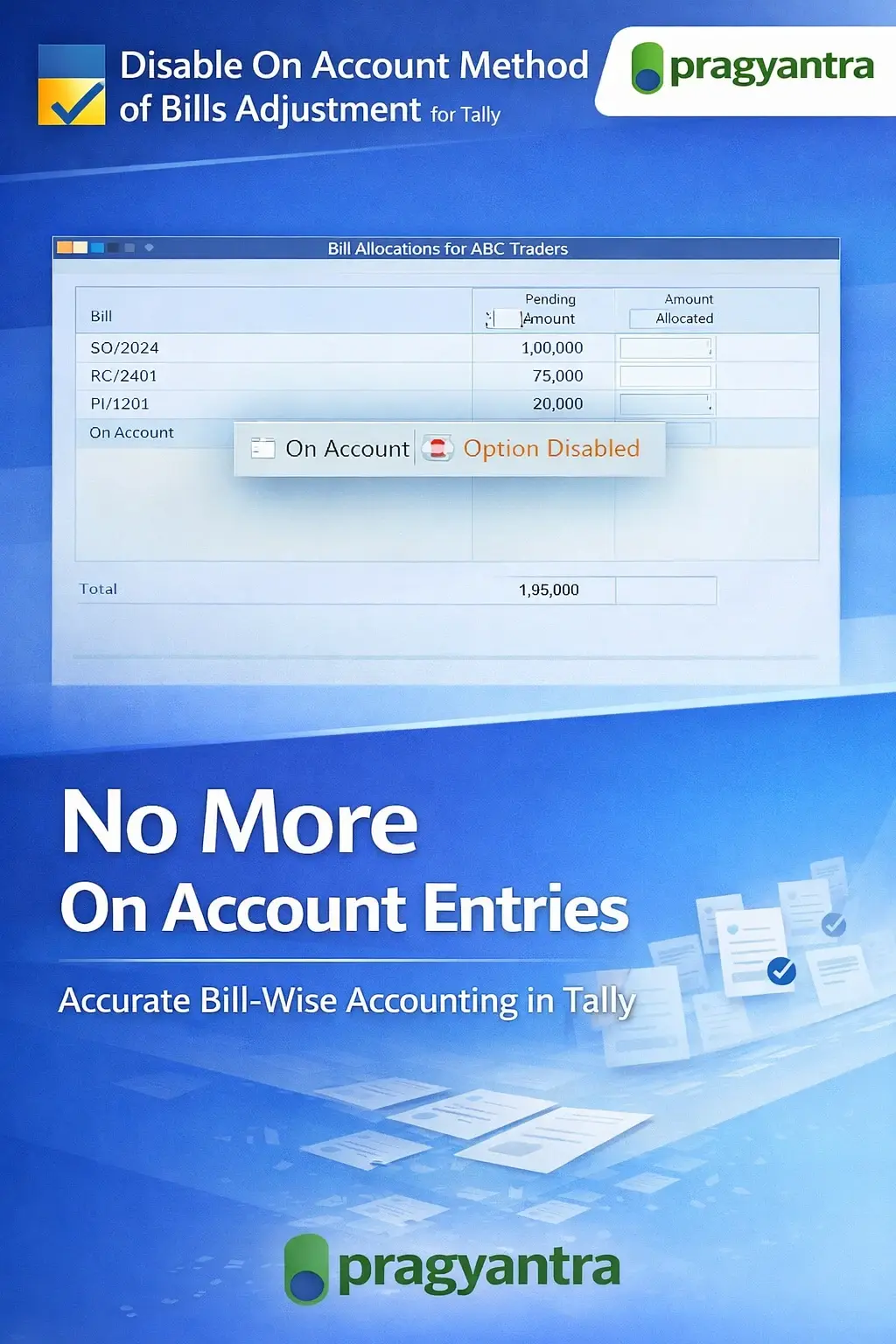
The Disable ‘On Account’ Method of Bills Adjustment Add‑on by Pragyantra helps businesses restrict the use of the “On Account” option and enforce proper bill-wise adjustments. With this add‑on, organizations can maintain clean outstanding reports and better financial control.
This add‑on is a custom Tally module that disables or restricts the use of the “On Account” adjustment method during voucher entry. With this add‑on installed, Tally will:
This ensures that your outstanding reports always reflect the ground reality of your pending invoices.
Using the “On Account” method frequently creates a backlog of manual adjustments. Accountants often spend hours at the end of the month trying to figure out which payment belongs to which bill. The Pragyantra Bills Adjustment Control Add‑on solves these problems by enforcing structured and accurate bill allocation at the point of entry.
Disable “On Account” Option
Completely removes or restricts the "On Account" choice from the Bill Allocation screen.
Mandatory Bill‑Wise Adjustment
Forces the user to identify the exact reference for every payment or receipt transaction.
Improved Outstanding Tracking
Ensures that your 'Bills Receivable' and 'Bills Payable' reports are 100% accurate and up-to-date.
Works Across Voucher Types
Applicable to Receipt Vouchers, Payment Vouchers, and bill-wise Journal Entries.
Lightweight & High Performance
Built using optimized TDL architecture for smooth performance without any system lag.
This add‑on works with:
✔ TallyPrime
✔ Tally ERP 9
1. Why is the 'On Account' method a problem in Tally?
Using 'On Account' means the payment isn't linked to any specific bill. This keeps your old bills showing as 'Pending' in your Outstanding Reports, even if the customer has already paid the amount.
2. What if I receive an advance payment from a customer?
The add-on only disables 'On Account'. You can still use the 'Advance' method for new payments that don't have an invoice yet. This ensures that even advances are tracked professionally.
3. Can I disable this restriction for specific users?
Yes, this can be configured as a permission-based feature. You can force data entry operators to adjust bills while allowing the administrator or senior accountant to use 'On Account' if absolutely necessary.
4. Does it work on both Receipt and Payment vouchers?
Yes, it works across Receipts, Payments, and Journal vouchers to ensure that both your Receivables (Sales) and Payables (Purchases) are 100% adjusted.
Don't let unadjusted 'On Account' entries ruin your financial reporting. Enforce strict bill-wise discipline and get 100% accurate receivables with Pragyantra.
👉 Contact Pragyantra today to simplify your Tally accounting and gain total financial transparency.
Your email address will not be published. Required fields are marked *
Please login to write review!
Looks like there are no reviews yet.