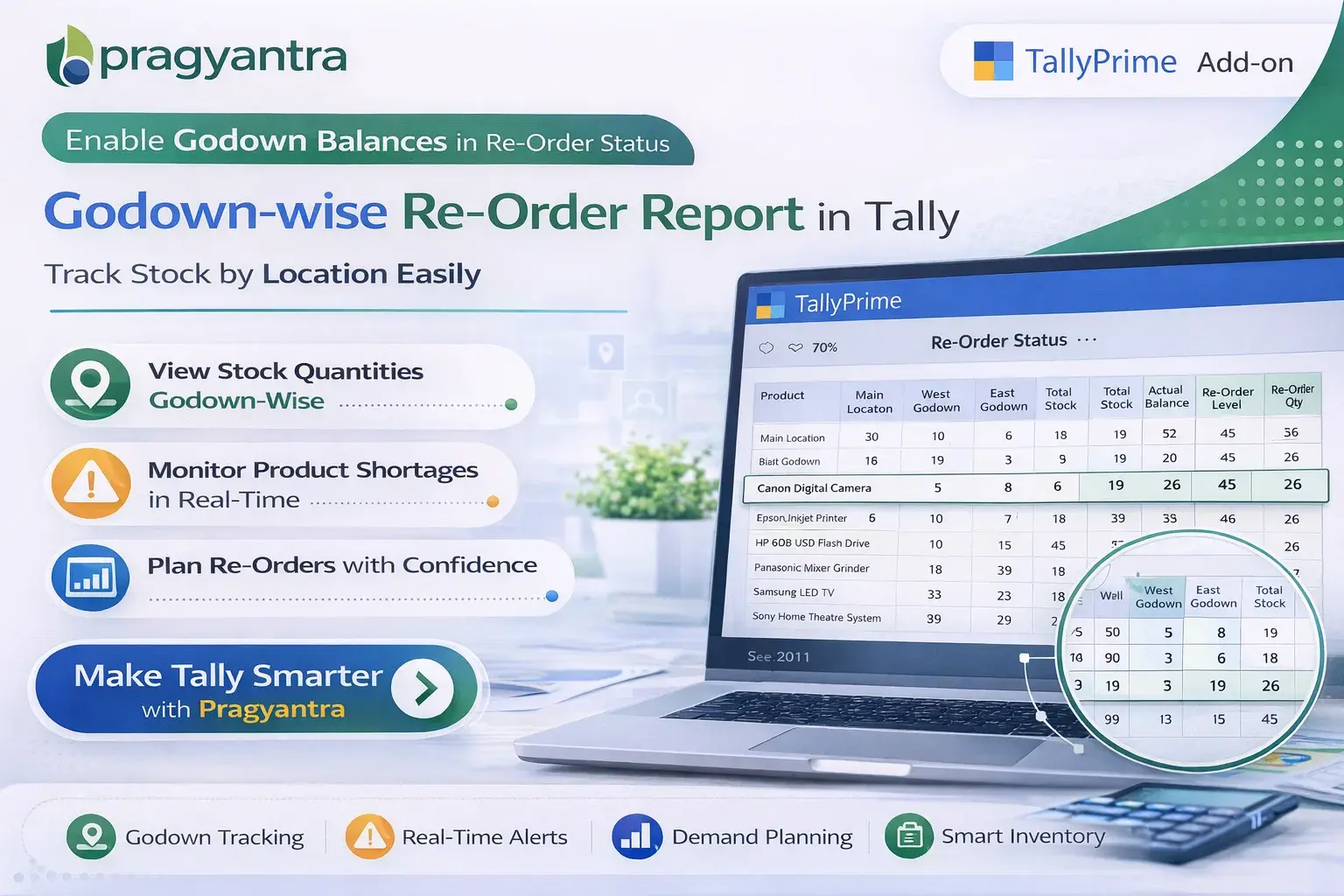
Enable Godown Balances in Re-Order Status
View godown‑wise stock balances directly in the Re‑Order Status report in TallyPrime with Pragyantra’s add‑on. Improve inventory planning and stock management
Elevate Your Business with Our Comprehensive Consulting Services.
Introducing Our New Business Consulting Solutions!
Revolutionize Your Business Strategy with Our Expertise.

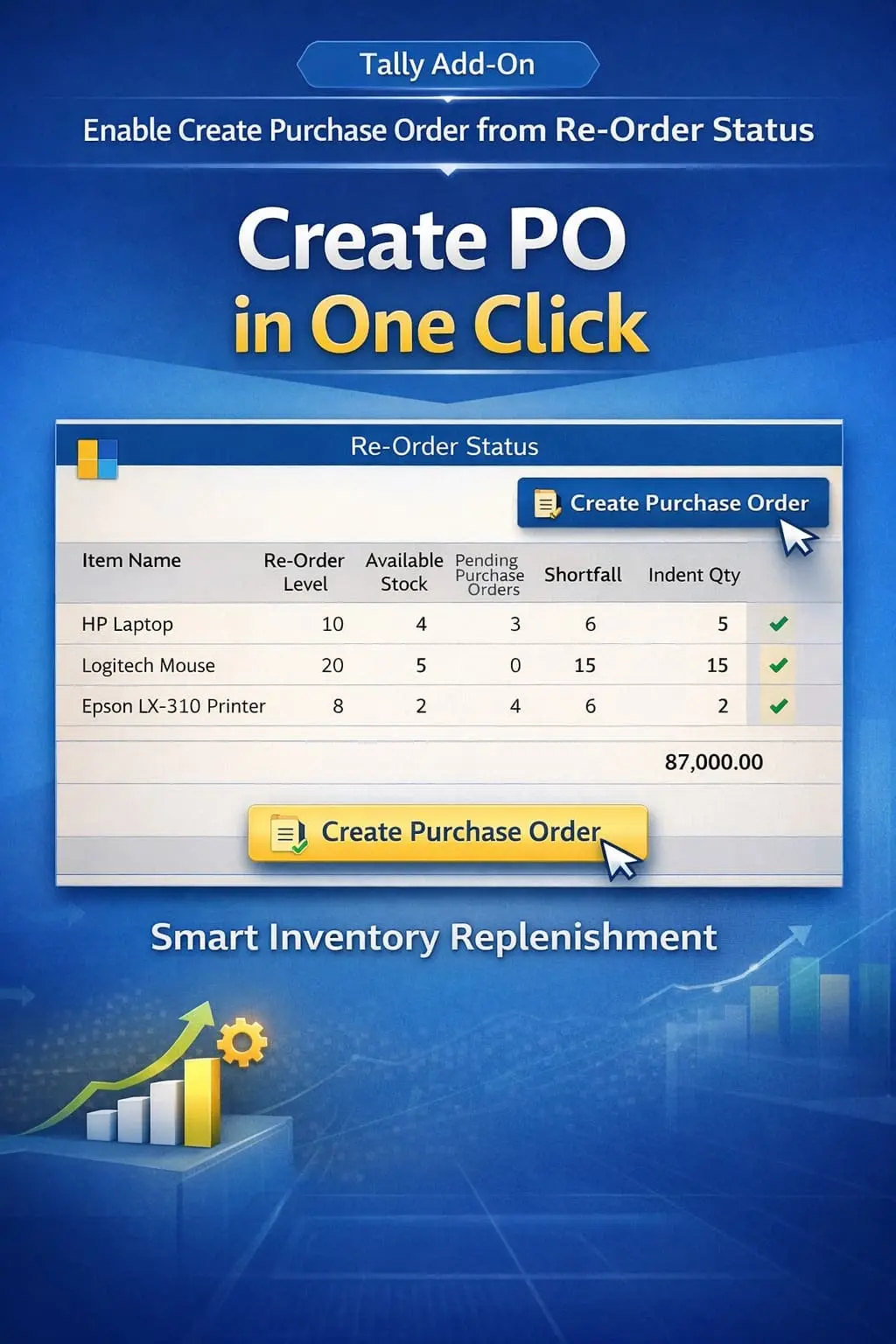
Inventory management is critical for businesses dealing with multiple warehouses or godowns. In TallyPrime, the Re‑Order Status report helps businesses identify items that need to be replenished based on predefined reorder levels.
However, in the standard Tally system, the Re‑Order Status report typically shows overall stock levels without providing a godown‑wise breakdown of stock availability. This can make it difficult for businesses to understand which godown needs stock replenishment.
The Enable Godown Balances in Re‑Order Status Add‑on developed by Pragyantra enhances Tally’s inventory reporting by displaying godown‑wise stock balances directly within the Re‑Order Status report.
With this add‑on, businesses can make better inventory decisions, optimize stock transfers, and avoid stock shortages across all locations.
The Enable Godown Balances in Re‑Order Status Add‑on is a custom Tally module that enhances the Re‑Order Status report by adding godown‑wise stock details.
Normally, the Re‑Order Status report displays Item Name, Re‑Order Level, Minimum Quantity, and Current Stock. With this add‑on installed, the report will also display:
This allows businesses to analyze stock levels more accurately across different locations without switching screens.
Businesses with multiple godowns or warehouses need to track inventory at each location to ensure smooth operations. Without godown‑wise visibility in the Re‑Order report, users may face challenges such as:
The Pragyantra Godown Balance Add‑on solves these issues by showing location‑wise stock balances directly in the Re‑Order Status report.
Godown‑Wise Stock Visibility
Displays precise stock quantities for each godown within the integrated Re‑Order report view.
Better Inventory Planning
Helps businesses identify stock shortages at specific locations before they affect sales.
Improved Re‑Order Decisions
Enables smarter purchasing and internal stock transfer decisions based on actual location needs.
Enhanced Inventory Reports
Makes the standard Re‑Order Status report much more detailed, professional, and actionable.
Lightweight & High Performance
Built using optimized TDL architecture, ensuring smooth performance even with a large number of godowns.
This add‑on works with:
✔ TallyPrime
✔ Tally ERP 9
1. Does this add-on show balances for all godowns in a single report?
Yes, it enhances the standard Re-Order Status report to show a clear breakdown of stock available in each godown alongside the re-order levels.
2. Can I identify which specific godown is running low on stock?
Absolutely. By viewing the godown-wise balance, you can instantly see which location has met its re-order point and needs immediate replenishment.
3. Will it help in planning stock transfers between godowns?
Yes, it is perfect for internal stock management. If one godown is low and another has excess, you can decide to transfer stock instead of placing a new purchase order.
4. Is it compatible with TallyPrime's latest releases?
Yes, it is fully compatible with all releases of TallyPrime and Tally ERP 9.
Don't let stock shortages at specific godowns halt your sales. Get total visibility and make smarter re-ordering decisions with Pragyantra.
👉 Contact Pragyantra today for Tally solutions that optimize your warehouse operations.
Your email address will not be published. Required fields are marked *
Please login to write review!
Looks like there are no reviews yet.