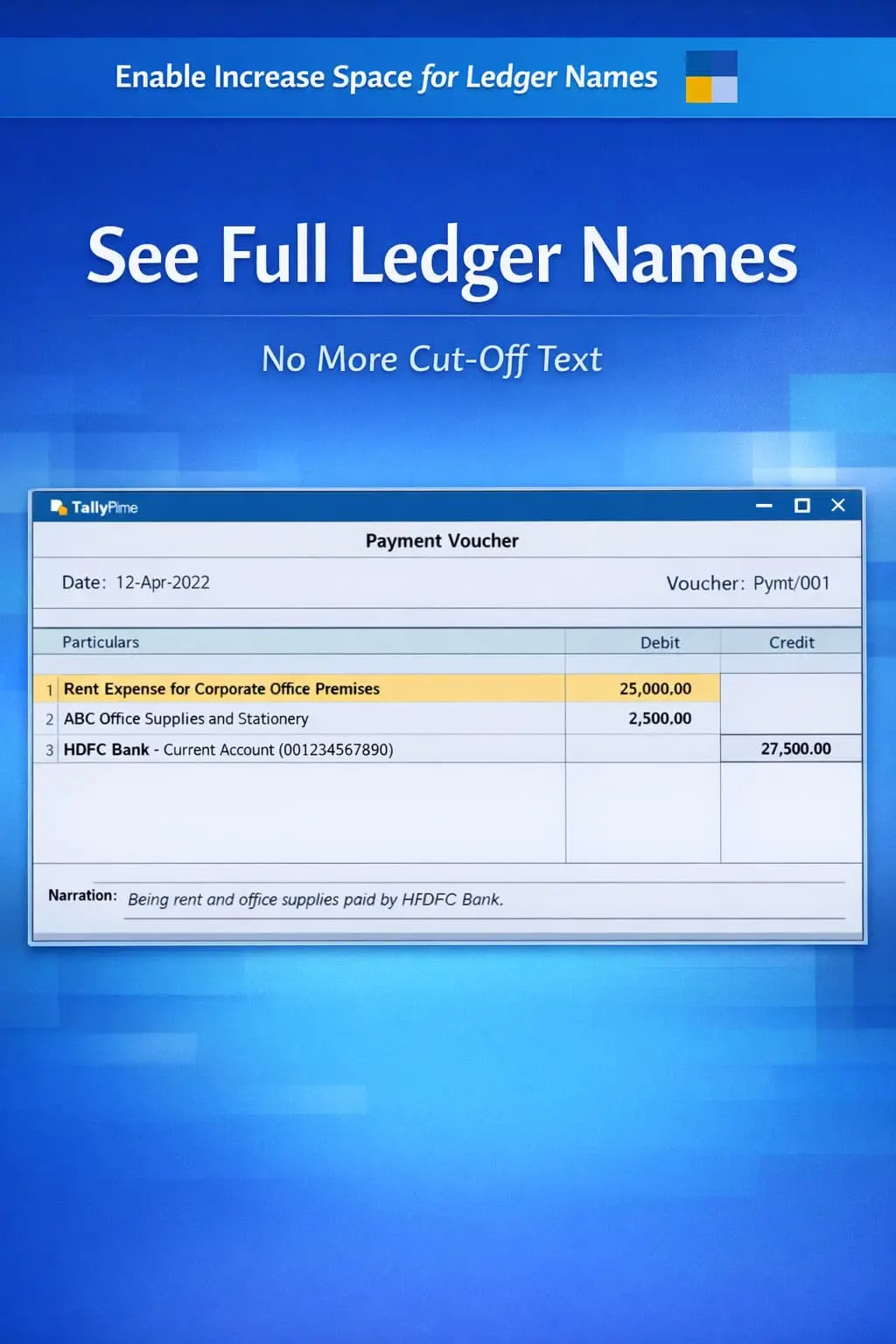
Enable Increase Space for Ledger Names
Increase display space for ledger names in TallyPrime with Pragyantra’s add‑on. View full ledger names, reduce errors, and improve accounting efficiency.
Revolutionize Your Business Strategy with Our Expertise.
Elevate Your Business with Our Comprehensive Consulting Services.
Introducing Our New Business Consulting Solutions!

In accounting, ledger narrations and descriptions play a crucial role in maintaining clear financial records. However, in TallyPrime, ledger descriptions are often limited to short or single-line entries, which may not be sufficient for detailed transaction explanations. This limitation can lead to:
The Enable Multi-Line Ledger Description Add‑on by Pragyantra allows users to enter detailed, structured narrations for ledger entries, ensuring every transaction is professional and transparent.
This add‑on is a custom Tally module that transforms the standard single-line description into a spacious multi-line text area. With this add‑on installed, Tally can:
Short or cryptic descriptions create confusion over time. If you look at an entry after 6 months, a single-line note might not be enough to remember why a particular adjustment was made. The Pragyantra Multi-Line Description Add‑on ensures structured record-keeping, making your financial data self-explanatory and audit-ready.
Multi-Line Entry Interface
Adds a flexible text area for each ledger entry during voucher creation (Payment, Receipt, Journal, etc.).
Integrated with Reports
Detailed descriptions are not just hidden; they are visible in Daybook, Ledger Reports, and Voucher Registers.
Print-Ready Descriptions
Full multi-line notes are automatically included in printed reports for better external communication.
Lightweight & Fast
Optimized TDL architecture ensures that even long descriptions do not slow down your Tally session or data size.
This add‑on works with:
✔ TallyPrime
✔ Tally ERP 9
1. Does this replace the main voucher narration?
No. This add-on provides a separate description field for each ledger line, in addition to the main voucher narration at the bottom.
2. Can I see these detailed descriptions in the standard Ledger Report?
Yes. The add-on is designed to display these multi-line descriptions directly in the Ledger Statement, making it easy to review history.
3. Is there a character limit for the description?
The field is highly flexible and can accommodate several lines of text, ensuring you have enough space for almost any accounting explanation.
4. Will these descriptions appear when I export data to Excel?
Yes, when exporting reports like the Daybook or Ledger to Excel, the detailed multi-line descriptions are included in the output.
Don't let short descriptions hide important financial context. Upgrade to Multi-Line Ledger Descriptions and bring 100% clarity to your TallyPrime records.
👉 Contact Pragyantra today to improve your documentation quality and audit efficiency.
Your email address will not be published. Required fields are marked *
Please login to write review!
Looks like there are no reviews yet.