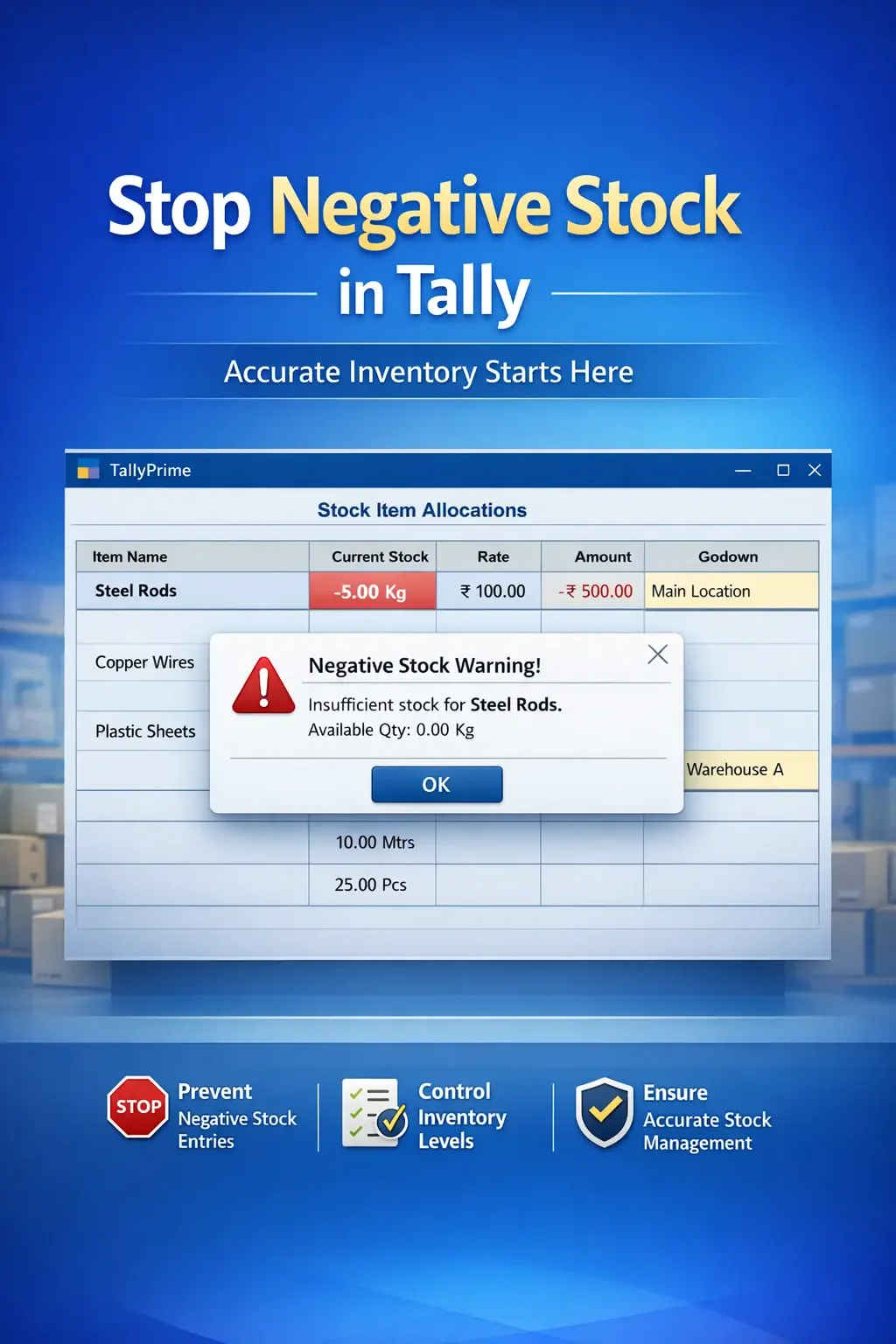

Enable Negative Stock Control
Prevent negative stock entries in TallyPrime with Pragyantra’s add‑on. Improve inventory accuracy, avoid stock errors, and ensure better financial control.
Revolutionize Your Business Strategy with Our Expertise.
Introducing Our New Business Consulting Solutions!
Elevate Your Business with Our Comprehensive Consulting Services.

Inventory accuracy is crucial for any business dealing with stock management. In TallyPrime, negative stock situations can occur when sales or issue transactions are recorded before actual stock is available in the system. This leads to problems such as:
The Enable Negative Stock Control Add‑on by Pragyantra helps businesses restrict or control negative stock entries in Tally. With this add‑on, users can prevent transactions that result in negative stock, ensuring accurate inventory tracking and better financial control.
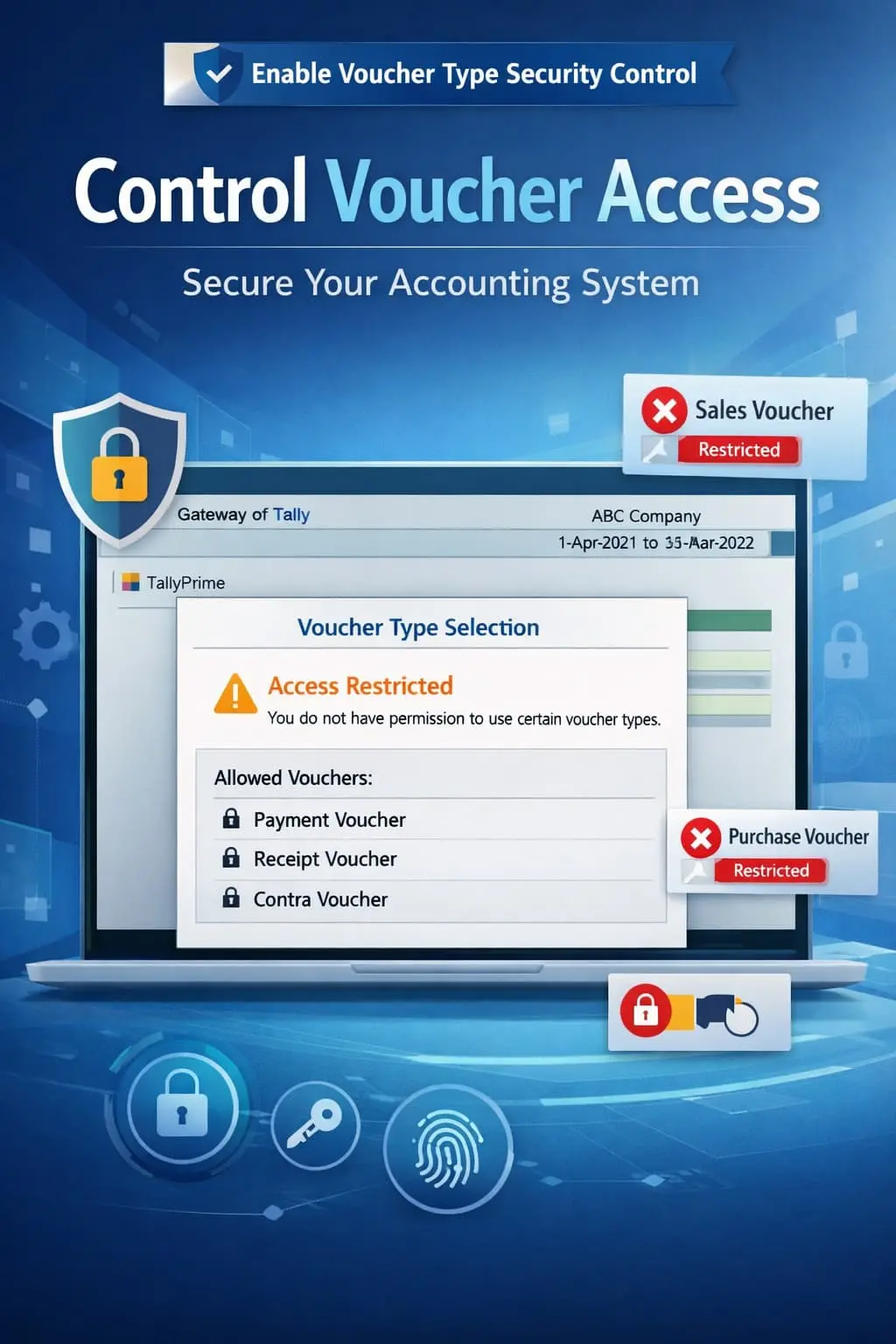
The Enable Negative Stock Control Add‑on is a custom Tally module that restricts or alerts users when stock goes negative during voucher entry. Normally, Tally may allow transactions even if stock becomes negative (depending on configuration). With this add‑on installed, businesses can:
This improves inventory discipline and accuracy across your entire organization.
Negative stock can create serious accounting and operational issues. Common challenges include selling items that are not in stock, incorrect stock valuation, difficulty in reconciliation, and audit compliance risks. The Pragyantra Negative Stock Control Add‑on solves these issues by enforcing strict stock validation rules.
Prevent Negative Stock Entries
Blocks transactions that result in negative stock balances immediately.
Real‑Time Stock Validation
Instantly checks stock availability during the voucher entry process.
Warning Alerts
Displays clear alerts to users when stock is insufficient for a transaction.
Works Across Voucher Types
Applicable to Sales Vouchers, Delivery Notes, Stock Journals, and Material Issues.
Lightweight & High Performance
Built on optimized TDL architecture for smooth performance without affecting Tally speed.
This add‑on works with:
✔ TallyPrime
✔ Tally ERP 9
1. Will this add-on stop me from saving a Sales Invoice if stock is zero?
Yes, the add-on is designed to block the voucher saving process if the quantity entered exceeds the available stock, preventing negative balances.
2. Can I set it to only 'Warn' instead of 'Block'?
The primary purpose of this add-on is strict control. However, it can be configured to either show a warning or a hard block based on your business discipline requirements.
3. Does it work at the Godown level?
Absolutely. It checks stock availability at the specific godown selected in the voucher. If Godown A has stock but Godown B doesn't, it will prevent a sale from Godown B.
4. Does this add-on affect back-dated entries?
Yes, it performs real-time validation. If a back-dated entry causes stock to go negative at any point in the timeline, the add-on will alert the user.
Inaccurate stock leads to incorrect profits and audit failures. Enforce strict inventory discipline and ensure 100% stock accuracy with Pragyantra.
👉 Contact Pragyantra today to lock your inventory against errors and discrepancies.
Your email address will not be published. Required fields are marked *
Please login to write review!
Looks like there are no reviews yet.