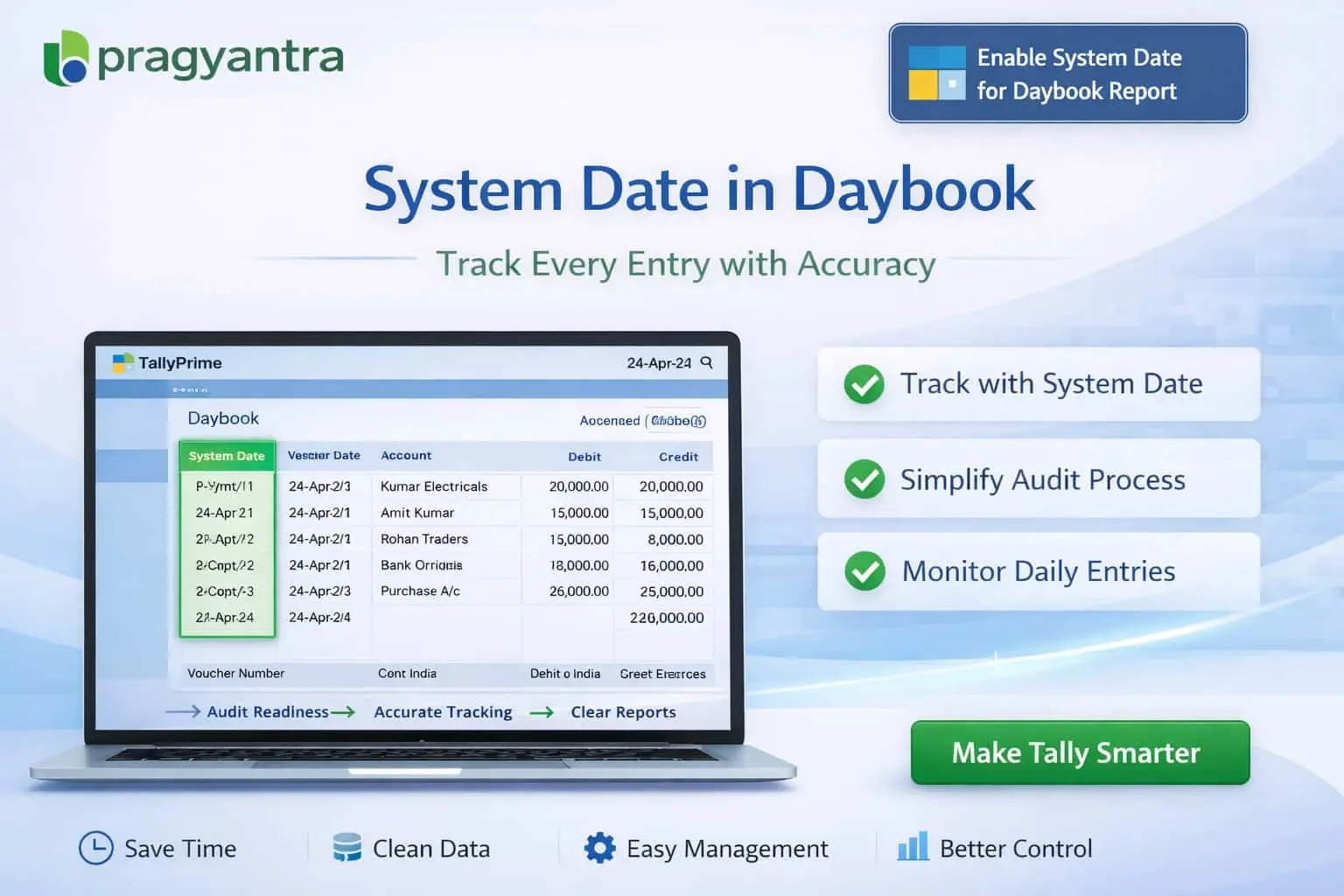
Enable System Date for Daybook Report
Show system entry date in Daybook report in TallyPrime with Pragyantra’s add‑on. Improve audit control, track backdated entries, and ensure transparency.
Elevate Your Business with Our Comprehensive Consulting Services.
Introducing Our New Business Consulting Solutions!
Revolutionize Your Business Strategy with Our Expertise.

The Daybook report in TallyPrime is one of the most critical reports used for reviewing daily transactions like sales, purchases, and payments. However, by default, it only shows the Voucher Date (accounting date). It does not display the Actual System Entry Date (when the operator actually saved the entry). This gap can lead to:
The Enable System Date for Daybook Report Add‑on by Pragyantra enhances the Daybook by displaying the actual system entry date alongside voucher details, ensuring complete operational transparency.
This add‑on is a custom Tally module that adds a dedicated System Date (Entry Date) column in the Daybook report. With this add‑on installed, your Daybook will display:
Relying only on voucher dates is a major security risk. If an entry for April is made in June, a standard Daybook won't tell you. The Pragyantra Daybook System Date Add‑on solves this by providing dual visibility, making it impossible for delayed or backdated data entry to stay hidden from management.
System Date Column in Daybook
A seamless new column that captures the uneditable system clock date for every voucher.
Dual Date Visibility
Compare 'When it happened' vs 'When it was recorded' side-by-side for instant audit checks.
Improved Audit Tracking
Empower your CA or Auditor to identify backdated or manipulated entries in seconds.
Works with Standard Daybook
No need to open a separate report; it enhances the existing Tally Daybook that your team already uses.
Lightweight & High Performance
Optimized TDL architecture ensures that the Daybook loads instantly, even with thousands of entries.
This add‑on works with:
✔ TallyPrime
✔ Tally ERP 9
1. Does this add-on change the look of my standard Daybook?
It adds one additional column for 'System Date'. The rest of the report remains exactly as you are used to, keeping the user experience simple and familiar.
2. Can I filter the Daybook based on the System Entry Date?
Yes. This is the biggest advantage! You can filter the report to see all entries actually recorded on a specific calendar date, regardless of their accounting voucher date.
3. Will the System Date appear on my printed Daybook?
Yes, the add-on is designed to include the System Date column in the print format as well, making it perfect for physical audit file documentation.
4. Does it track the date of edited/altered vouchers as well?
The add-on captures the initial entry date. For tracking 'Alteration' history (who changed what and when), we recommend combining this with our 'Voucher Alteration History' add-on.
Identify backdated entries instantly and bring 100% transparency to your daily accounting. Get the dual-date advantage in your Daybook with Pragyantra.
👉 Contact Pragyantra today to upgrade your TallyPrime Daybook with advanced audit features.
Your email address will not be published. Required fields are marked *
Please login to write review!
Looks like there are no reviews yet.