
Enable Hiding of Zero Balance Godowns
Restrict access to voucher types in TallyPrime with Pragyantra’s add‑on. Improve data security, control user permissions, and ensure safe accounting operations.
Revolutionize Your Business Strategy with Our Expertise.
Introducing Our New Business Consulting Solutions!
Elevate Your Business with Our Comprehensive Consulting Services.

In organizations where multiple users operate TallyPrime, controlling who can see or touch specific financial data is critical. Without granular control, your business faces significant risks:
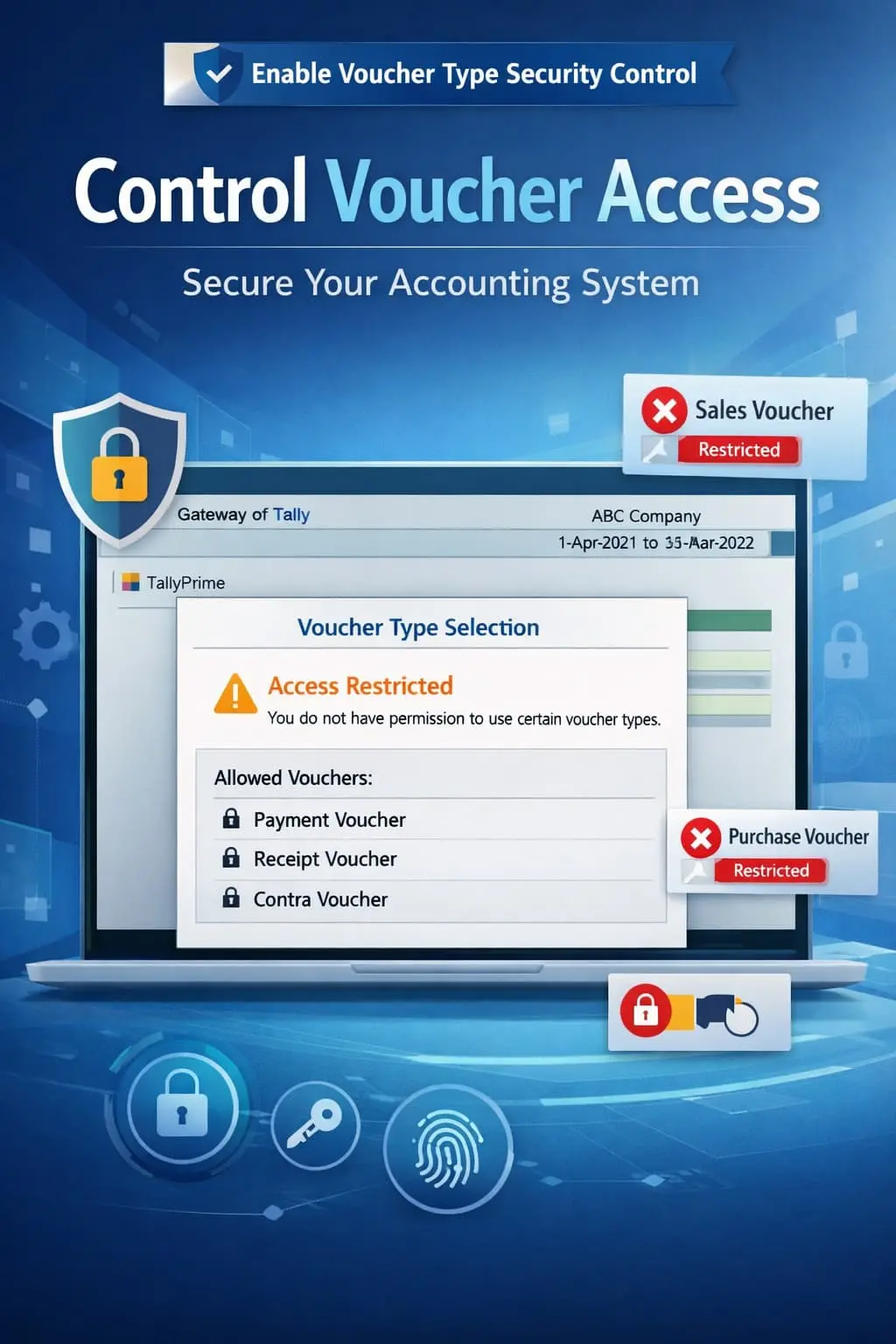
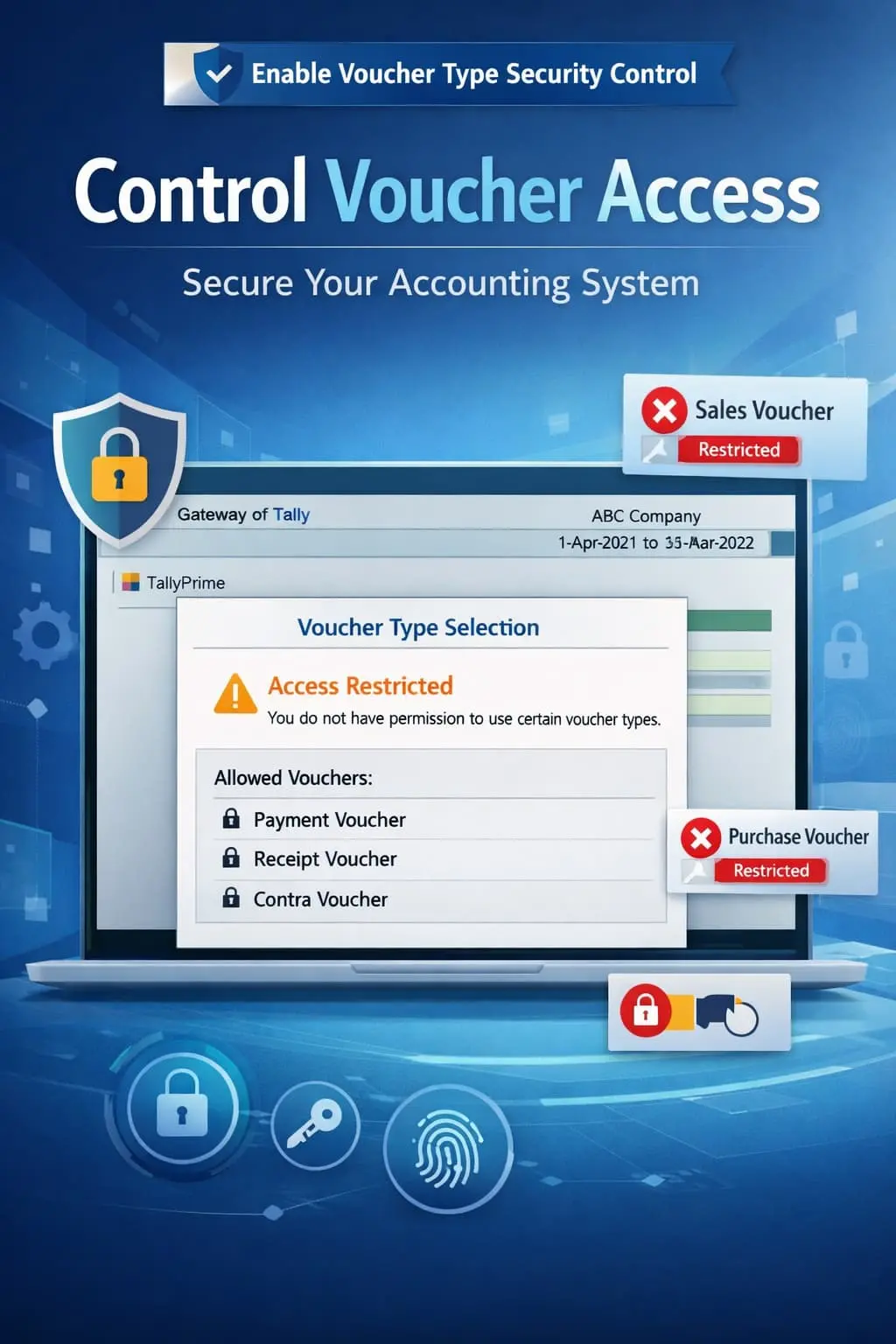
The Enable Voucher Type Security Control Add‑on by Pragyantra enhances Tally's core security by allowing administrators to lock or unlock specific voucher types based on the user's role.
This add‑on is a custom Tally module that provides a "Gatekeeper" mechanism for your accounting records. With this add‑on installed, Tally can:
General security is not enough for a growing enterprise. You need Voucher-Level restrictions to prevent internal fraud and accidental data loss. The Pragyantra Voucher Security Add‑on ensures that your Tally environment remains a "Need-to-Know" system, where staff only see what they absolutely need to perform their jobs.
Granular Access Control
Individually restrict or allow access to any specific voucher type for any Tally user.
Strict Role Management
Easily manage permissions for different departments (Purchase, Sales, Inventory, Finance).
Prevention of Data Misuse
Blocks unauthorized users from even seeing restricted voucher types in the 'Display' or 'Alter' menus.
Works Across All Voucher Categories
Full control over Accounting Vouchers, Inventory Vouchers, and even custom-created Voucher Types.
Lightweight Security Layer
Optimized TDL architecture that enforces security protocols instantly without slowing down user logins or data entry.
This add‑on works with:
✔ TallyPrime
✔ Tally ERP 9
1. Can I restrict 'Alter' and 'Delete' but allow 'Create' for a voucher type?
Yes. The add-on provides flexible control so you can allow a user to create a Sales voucher but block them from ever altering or deleting it once saved.
2. What happens if a restricted user tries to open a blocked voucher?
Tally will display a "No Access" or "Access Denied" message, and the user will not be able to view any data within that voucher type.
3. Does it work on custom voucher types I created?
Absolutely. Any new voucher type you create in Tally (e.g., 'Credit Sales' or 'Raw Material Purchase') will show up in the security configuration list.
4. Is the Admin/Owner also restricted by this add-on?
No. The 'Admin' or 'Owner' user always has full access. This add-on is designed to manage and restrict 'Standard' or 'Sub-user' roles.
Don't leave your accounting open to risks. Implement strict voucher-level security and gain total peace of mind with Pragyantra’s Security Control Add-on.
👉 Contact Pragyantra today to safeguard your TallyPrime records and enforce strict internal controls.
Your email address will not be published. Required fields are marked *
Please login to write review!
Looks like there are no reviews yet.