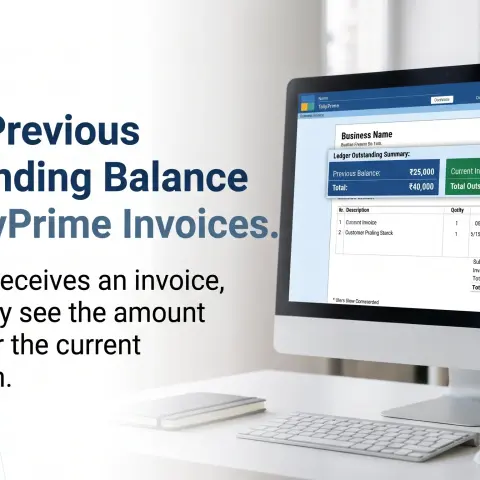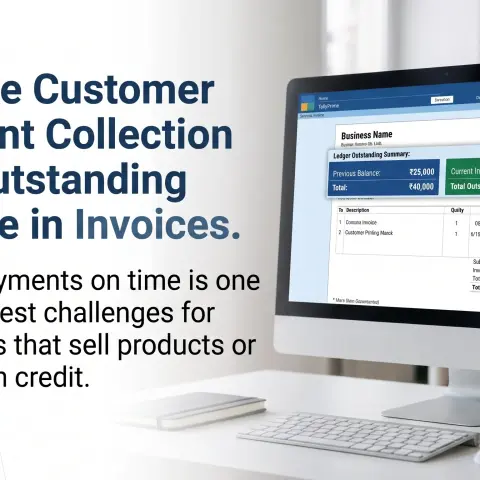
Improve Customer Payment Collection

By Pragyantra
Elevate Your Business with Our Comprehensive Consulting Services.
Introducing Our New Business Consulting Solutions!
Revolutionize Your Business Strategy with Our Expertise.


AI-Powered Business Intelligence Dashboard delivers real-time insights, automation, and seamless integration with Tally, Zoho, Oracle, and SAP—all in one clean platform.
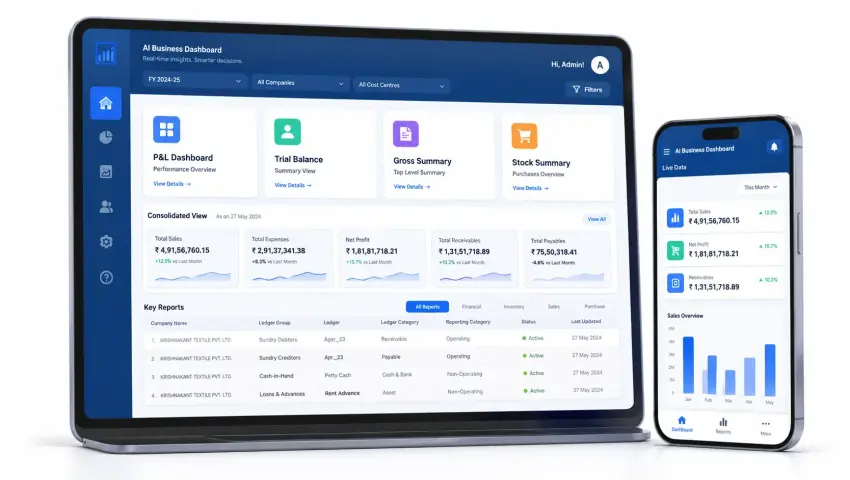
Business Data on Mobile, Web
India's top tally on mobile app View your business data with TallyPrime and Tally ERP9.
Start 7 day free trial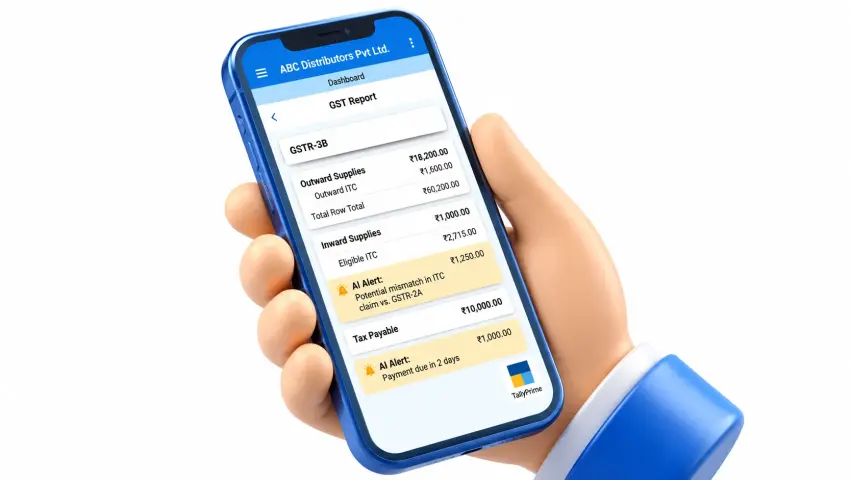
Tally on Mobile
Access real-time financial tracking, deep ledger analytics, and outstanding reports directly from your smartphone or tablet.
🚀 Activate Tally On Your Mobile NowPragyantra delivers real-time business intelligence, transforming complex financial data. Automated reporting, data-driven decisions at all management levels.
Invite your accounting team, auditors, and consultants to collaborate seamlessly with built-in features.
Access integrated TallyPrime and Tally ERP9 data on Android, iOS, or web to manage your business anytime, anywhere.
Provides Data automatically and modern automation layered on top of your existing Tallyprime data, without disrupting the system.
Running a business requires timely access to financial and operational information. But when reports are available only through a desktop-based workflow, business owners may need to contact their accounts team for updates. Pragyantra Tally on Mobile is designed to make supported Tally business information easier to access through mobile and web interfaces.
Access supported financial information without relying entirely on manually prepared reports.
Review customer balances and pending payments to identify accounts requiring attention.
Use available stock reports to understand inventory levels and product movement.
Review sales, expenses and financial performance information when you need it.
Bring supported business reports into a more accessible reporting experience.
Get convenient access to the business information that matters to your daily operations.
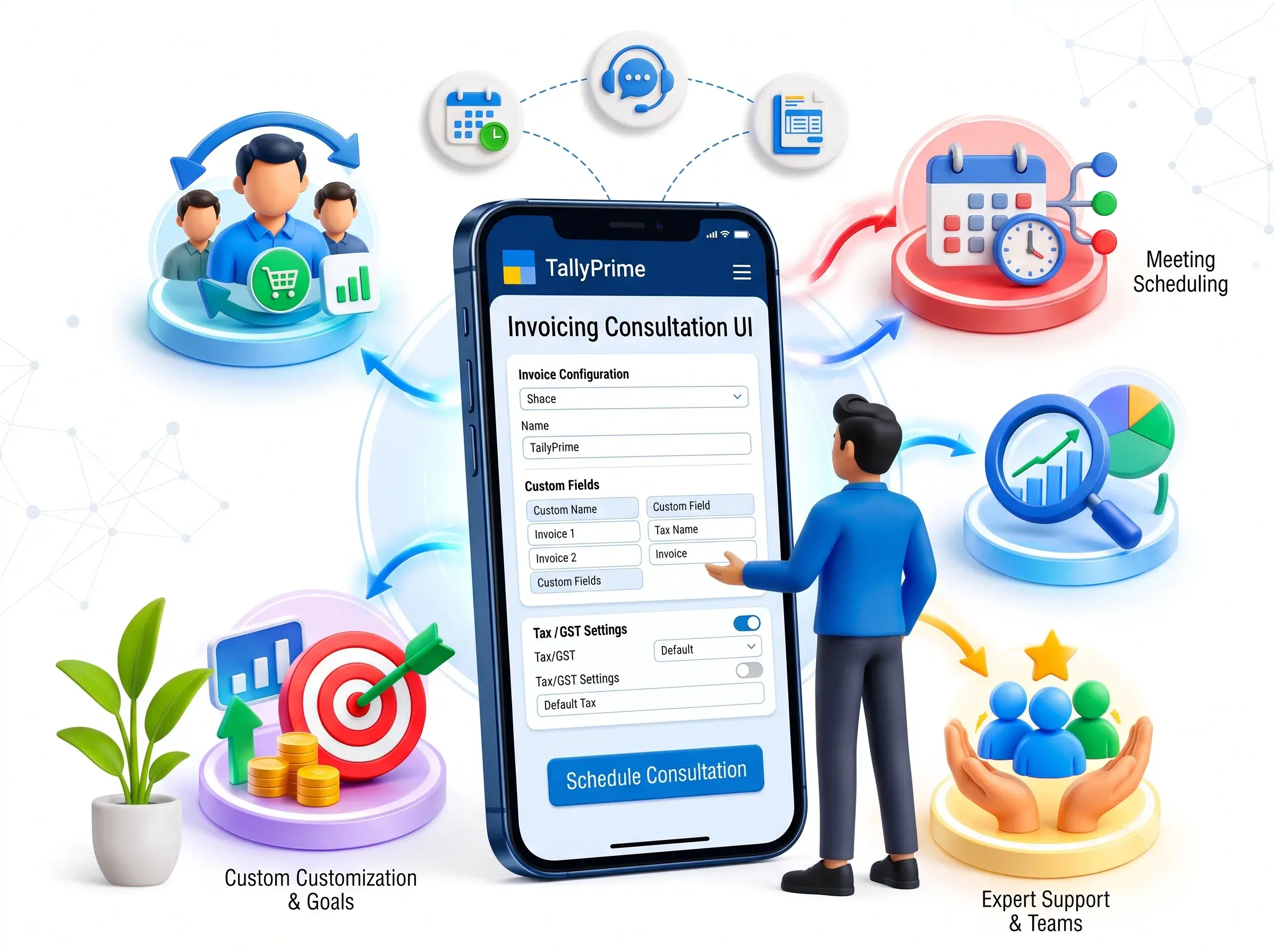
Review supported accounting reports and financial information through a mobile-friendly interface.
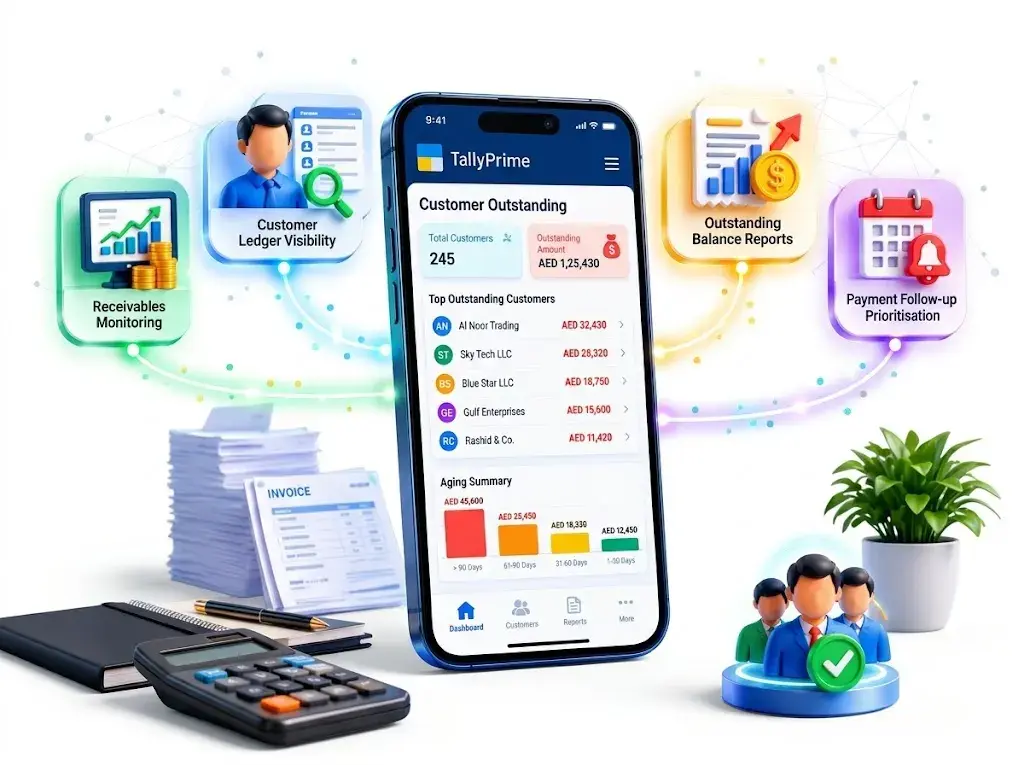
Monitor customer balances and review outstanding information to support payment follow-ups.
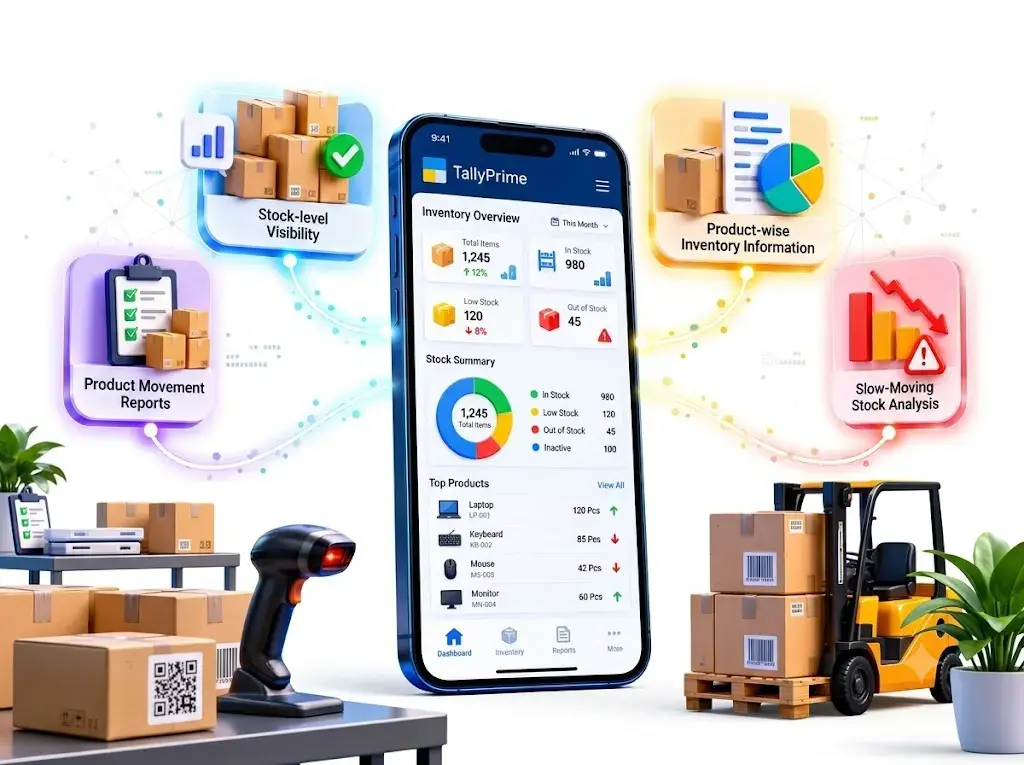
Access supported inventory reports to review stock availability and product movement.
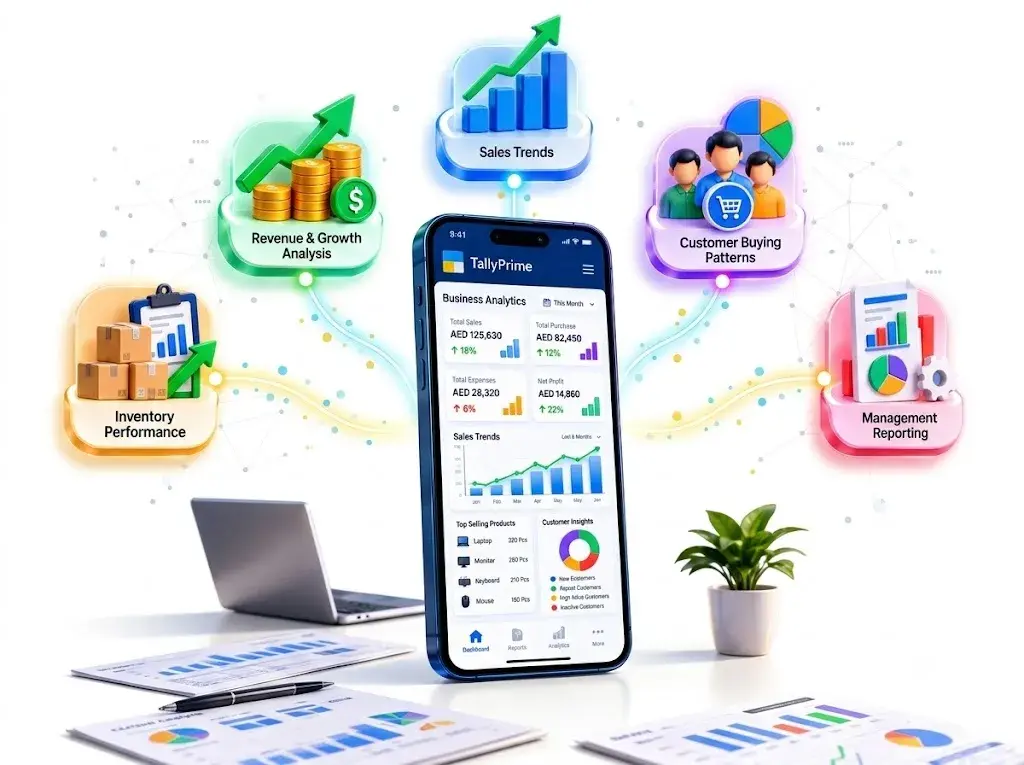
Use available reporting and analytics to understand business performance.
Access supported business information through compatible mobile devices or web interfaces, subject to your configured solution.
Make relevant business information accessible to authorised team members according to the permissions and user-management features available in your setup.
Business owners need more than transaction records. They need visibility into revenue, expenses, profitability and outstanding balances. Pragyantra Tally on Mobile is designed to make supported financial reports accessible for convenient business monitoring.
Review sales activity and understand how your business is performing across reporting periods.
Monitor purchase transactions and review relevant supplier and procurement information.
Review business expenses to support cost monitoring and financial planning.
Understand reported income, expenses and profitability using the financial information available in TallyPrime.
Review assets, liabilities and other financial information presented through the supported reporting setup.
Access relevant ledger information to review customer, supplier and account transactions.
Unpaid invoices and delayed collections can put pressure on working capital. Businesses need a clear view of customer balances, pending receipts and supplier payments.
Pragyantra Tally on Mobile helps make supported receivables and payables information easier to review.
Understand which customer balances need attention and support your collection planning. Features:
Maintain visibility into supplier dues and payment obligations. Features:
With better access to receivables and payables information, business owners can make more informed decisions about collections, payments and working capital.
Customer purchase history can reveal valuable information about buying frequency, sales patterns and potential follow-up opportunities. Using available customer and transaction data, businesses can review customer activity and identify areas that deserve attention.
Understand which customers regularly purchase your products or services.
Identify customers whose recent purchasing activity may require a follow-up, where the available data supports this analysis.
Review customer purchase history and relevant sales trends.
Give sales teams better information for planning customer engagement.
Use historical information to support more informed sales planning.
Inventory affects sales, working capital and customer satisfaction. Businesses need reliable information to plan stock levels and understand product movement.
Pragyantra Tally on Mobile helps make supported Tally inventory information accessible for business review.
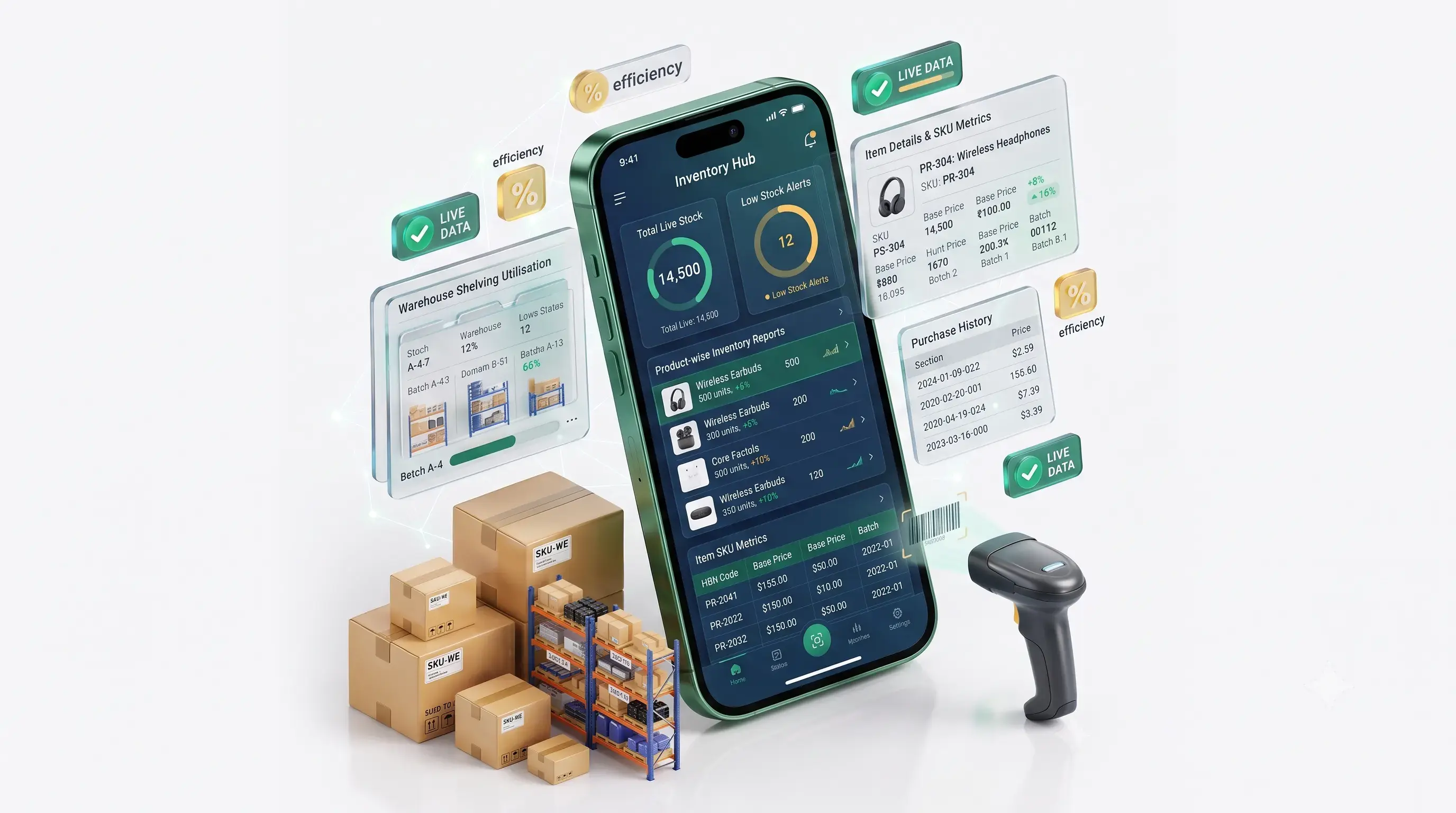
Better Stock Visibility: Understand inventory information without relying entirely on desktop reports. Improved
Planning: Use available stock and sales information to support replenishment decisions.
Reduced Excess Stock: Identify potential slow-moving inventory for further review.
Fewer Missed Sales Opportunities: Use available inventory information to help anticipate potential stock shortages.
Manual payment follow-ups can consume valuable time. Businesses can improve communication by using structured reminder workflows. Where the relevant integration is configured, Pragyantra solutions can support payment-related communication through supported messaging and email channels.
Support customer follow-up workflows through an appropriately configured WhatsApp integration.
Send payment-related information using supported email workflows.
Share relevant invoices or account statements through supported communication methods.
Use configured templates and automation to reduce repetitive communication.

Important: Clearly distinguish the mobile reporting product from any separately priced or configured WhatsApp automation service.
Accessing accounting data is useful. Understanding what that data means for your business is even more valuable. Pragyantra's Business Intelligence solutions can help transform supported business data into dashboards and management reports.
Review sales, financial and operational indicators using the configured dashboard.
Analyse sales information to identify changes in performance.
Use available financial reports to monitor profitability and outstanding balances.
Provide business owners and managers with relevant information for planning and performance reviews.
Where supported integrations are available, combine information from multiple business systems into a central reporting view.
Do not claim that every dashboard updates in real time. State the actual synchronisation frequency and data sources supported by the product.


Business owners, accountants, sales teams and managers may need access to different types of business information. A suitable mobile reporting setup can help authorised users access the information relevant to their responsibilities.
Review financial and operational reports to understand business performance.
Access supported accounting information and reports.
Review relevant customer, sales and outstanding information.
Monitor configured performance indicators and reporting summaries.
Where supported, user permissions can help control which information different team members can access.
You may not need to replace your existing accounting system to improve access to business reports.
Pragyantra Tally on Mobile is intended to extend access to supported business information through a compatible mobile or web setup.
Our team should review:
The availability of features depends on the product configuration, supported Tally version and technical setup. Confirm compatibility before implementation.
Check Compatibility for Your Tally Setup
Tell us about your current Tally environment, the reports you need and the devices your team uses.
Review compatibility, data access, reporting requirements and user permissions before configuring the solution.
Step 3: Access Your Supported Business Reports After configuration and testing, access the available business information through the supported mobile or web interface.
If your selected Pragyantra solution includes invoicing or compliance modules, you can explain those capabilities here.
Review relevant sales, stock and financial information.
Monitor supported inventory, customer outstanding and sales reports.
Access relevant customer balances, stock information and financial reports.
Review available inventory, purchase, sales and financial information.
Monitor billing, expenses and receivables using supported reports.
Improve access to business information while continuing to use the existing accounting workflow.
Focus on the reports and information that matter to your daily decisions.
Explore mobile reporting without assuming that you need to replace your accounting software.
Review supported sales, financial, outstanding and inventory information.
Use available reports and configured analytics to understand business performance.
Discuss your Tally environment and reporting needs before choosing the appropriate implementation.
Note: Add verified product screenshots, testimonials, implementation examples or certifications here only when the supporting evidence is available.
How mobile access changes the way businesses retrieve, review, and act on important information.
| Business Requirement | Traditional Reporting Workflow | Tally on Mobile |
|---|---|---|
| Access to reports | May depend on desktop access or reports shared by the accounts team | Access supported reports through the configured mobile or web interface Mobile |
| Customer outstanding | Requires opening or receiving the relevant report | Review supported outstanding information remotely Mobile |
| Inventory visibility | Depends on available reports and access | Review supported inventory information Mobile |
| Business analytics | May involve manually prepared summaries | Access configured dashboards and analytics Mobile |
| Team access | Reports may be shared manually | Access depends on supported user permissions Mobile |
| Management decisions | Can depend on when reports are prepared | More convenient access to available business information Mobile |
Note: Mobile access capabilities depend on the selected solution, system configuration, and user permissions. Businesses should evaluate their specific reporting, security, and integration requirements before implementation.
Pricing should be confirmed with Pragyantra because it may depend on the selected product and implementation requirements.
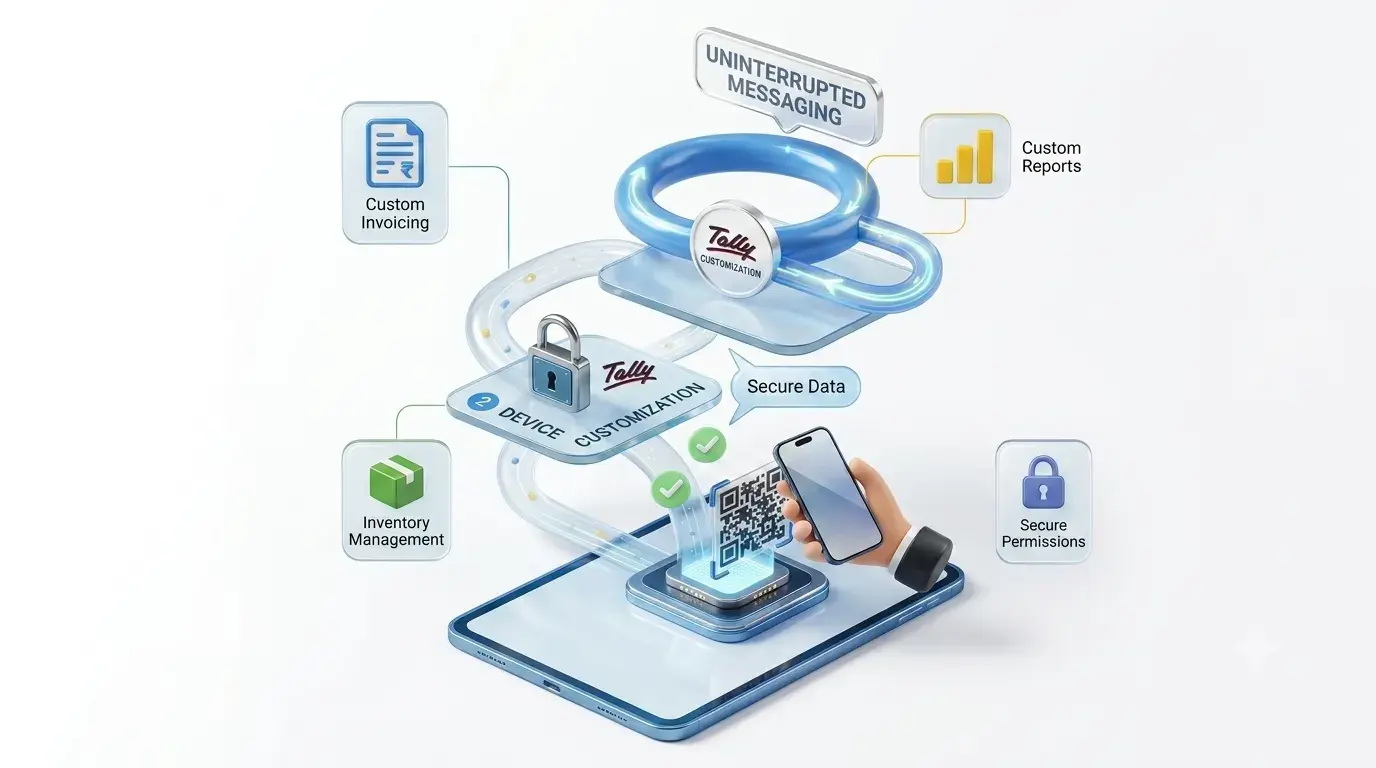
Discuss your requirements with Pragyantra to understand the appropriate setup and associated costs.
Do not publish a fixed price, free trial or subscription claim until the current commercial terms have been confirmed.
Use contextual internal links to connect visitors with relevant services.
Learn about supported messaging and payment reminder workflows.
Click HereExplore connections between TallyPrime and other business systems.
Click HerePragyantra provides technology-driven Accounting Software for startups, SMEs.
Click HereUse contextual internal links to connect visitors with relevant services.
Learn about supported messaging and payment reminder workflows.
Click HereExplore connections between TallyPrime and other business systems.
Click HerePragyantra provides technology-driven Accounting Software for startups, SMEs.
Click HereMake supported financial reports, customer outstanding, inventory information and business analytics easier to access. Tell us about your existing Tally setup and the information you want to review remotely.
Laxmi Tower, 921, 3RD Floor, 21st Cross, 5th Main Rd, 7th Sector, HSR Layout, Bengaluru, Karnataka 560102
+917728057558
ashutosh@pragyantra.com
Our team can review your requirements and confirm the appropriate solution, compatibility and available features.