
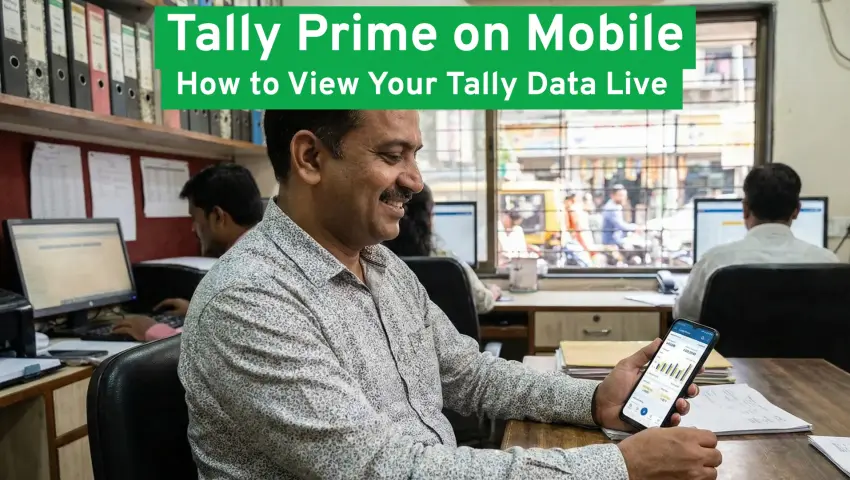
Tally Prime on Mobile: How to View Your Tally Data Live
 By Pragyantra
- Tally Solutions
- Jan 03, 2026
- 3 minutes read
- 111 Views
Tally Prime on Mobile: How to View Your Tally Data Live
1. Problem-Led Introduction
Many Indian SMEs still depend on office desktops to access their accounting data.
Business owners travelling for sales, site visits, or vendor meetings cannot check their numbers in real time.
Accounts teams send screenshots, Excel exports, or late-night reports.
This leads to delayed decisions, repeated data sharing, and manual work that grows with business volume.
In 2025, owners expect live keeping of financial data and remote visibility.
This is where Tally Prime on Mobile becomes important.
2. What the Service Is & Why It Matters

Tally Prime on Mobileallows business owners and managers to view their Tally data live on mobile devices through secure connectors and cloud access.
It matters for Indian SMEs because:
- Owners travel frequently
- Decision-making requires live numbers
- GST compliance needs timely review
- Multi-location operations demand remote access
Instead of waiting for office hours, data stays available anywhere.
3. How It Works (Simple Explanation)

Tally runs on your main system or cloud.
A secure connector syncs your data.
You log in on your mobile.
You view ledgers, stock, GST, receivables, and reports in real time.
The accounting workflow stays the same for your team.
4. 5-Step Implementation Process
1. Requirement Understanding
Business size, users, GST complexity, and reporting needs are reviewed.
2. Planning & Integration
Access levels, security setup, and mobile connectors are mapped.
3. Development & Testing
Live sync, report accuracy, and mobile dashboards are tested.
4. User Training
Owners and managers learn how to view and interpret reports on mobile.
5. Support & Optimisation
Performance monitoring and scaling support are provided.
5. Real-World SME Example

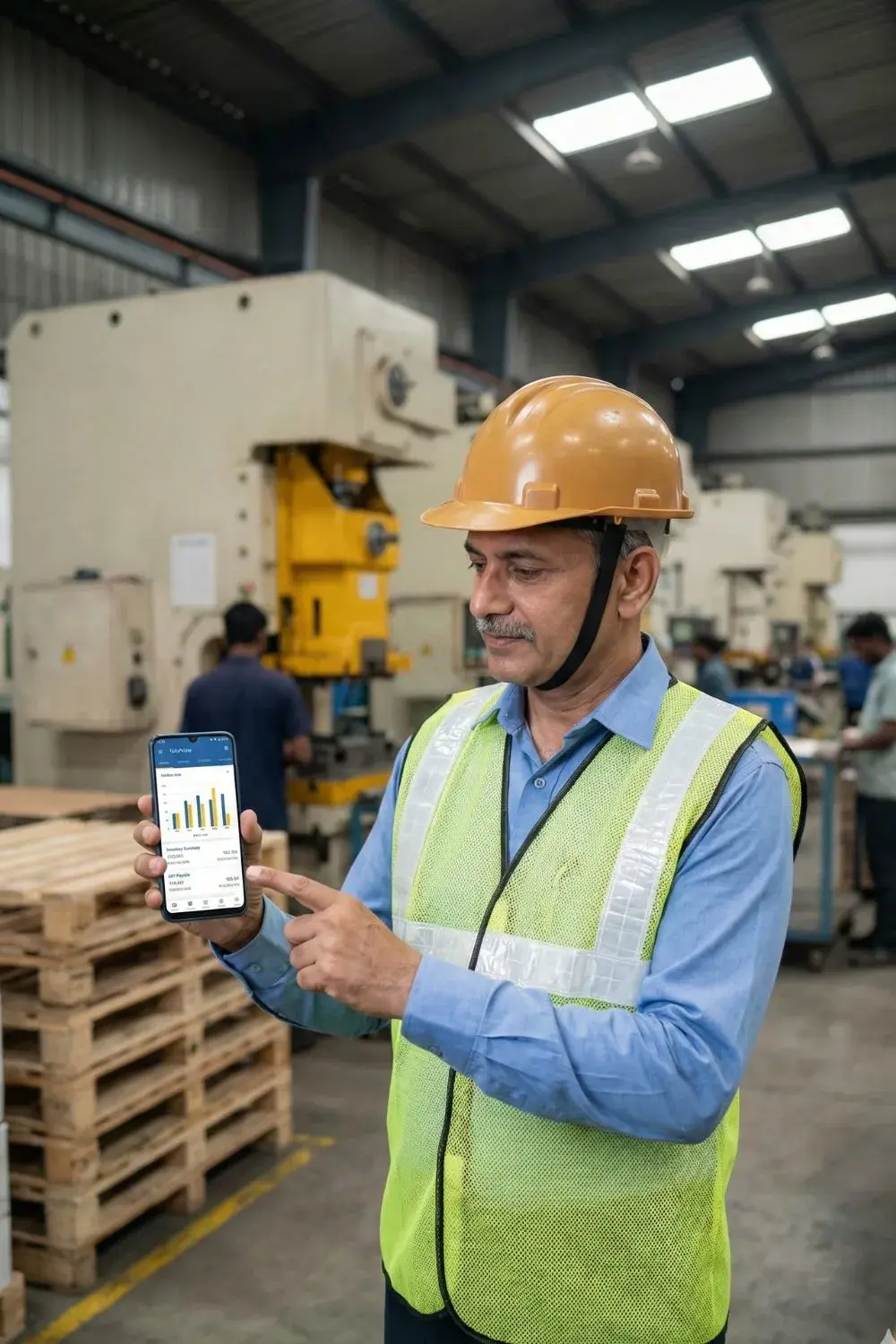
A manufacturing firm owner manages three plants.
Earlier, daily production and sales numbers arrived at night.
After enabling Tally Prime mobile access, the owner checks stock, receivables, and GST summaries during the day, even while visiting sites.
Decisions happen faster without calling the accounts team repeatedly.
6. Realistic Business Benefits
- Live business visibility
- Faster approvals and decisions
- Reduced dependency on reports
- Better control over GST and receivables
- Improved coordination across teams
7. Who It’s For & When to Consider Alternatives
Well suited for:
Growing SMEs, multi-branch businesses, travelling owners, CA firms supporting multiple clients.
May not suit:
Very small firms with limited transactions or poor internet connectivity.
8. FAQs
How to use Tally on mobile?
By connecting Tally with a secure mobile connector or cloud setup.
Can I maintain ledger in Tally while viewing on mobile?
Yes. Ledger updates continue on Tally while mobile shows live data.
Is mobile access safe?
Security depends on encryption, access control, and the service provider’s infrastructure.
Why create a Tally business account?
To manage accounting, GST, and compliance in an organised structure.
9. How Pragyantra Helps
Pragyantra’s AI-powered dashboard connects Tally data with sales, inventory, and operations.
Owners can track live numbers, receive alerts, and generate MIS from anywhere.
Explore related services:
tally license
Tally API integration
Explore the related blog article:
Tally on Cloud for Indian SMEs: How It Works, Benefits & Real Use Cases
WhatsApp + Tally + CRM Integration in India
10. Soft CTA
If you want better control over your numbers,
Learn more about our solutions and explore how mobile access can fit your business.

Pragyantra
Leave a comment
Your email address will not be published. Required fields are marked *