How to Organize TallyPrime Exported Files for Easy Accounting

By Pragyantra
Revolutionize Your Business Strategy with Our Expertise.
Introducing Our New Business Consulting Solutions!
Elevate Your Business with Our Comprehensive Consulting Services.


AI-Powered Business Intelligence Dashboard delivers real-time insights, automation, and seamless integration with Tally, Zoho, Oracle, and SAP—all in one clean platform.
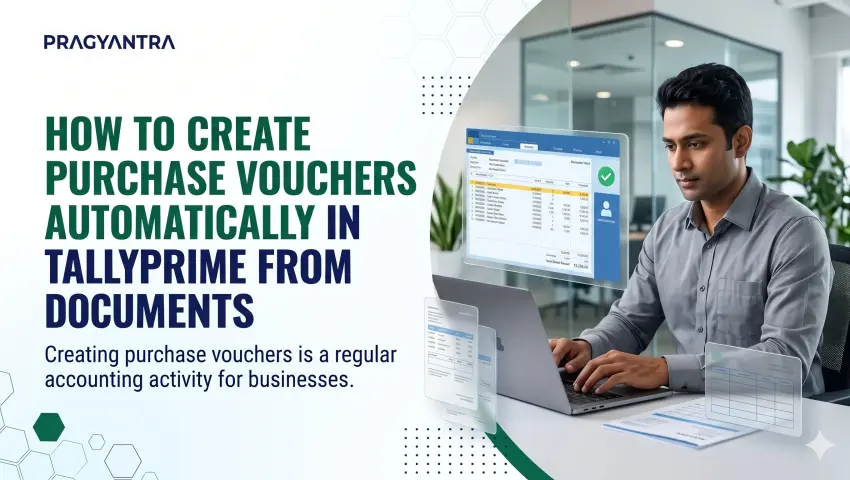
Creating purchase vouchers is a regular accounting activity for businesses. Whenever a company purchases goods or services, the accounts team needs to record the relevant transaction in TallyPrime. When purchase transactions increase, entering the same information manually can become repetitive and time-consuming.
Businesses that already maintain purchase information in source documents can simplify this process through document-based purchase voucher automation. With Pragyantra's Auto Purchase Voucher from Any Document add-on, businesses can use information available in supported business documents to create purchase voucher entries in Tally, depending on the configured workflow.
In this guide, we will explain how document-based purchase voucher automation works, why it can be useful, and how businesses can reduce repetitive purchase entry work.
A purchase voucher is an accounting entry used to record purchases made by a business. It helps maintain purchase transaction records and supports the accounting workflow.
Depending on the nature of the transaction, purchase entries may include details such as:
Entering these details manually for every transaction can require considerable effort, particularly when a business processes a high volume of purchase documents each day.
Manual purchase entry may work for businesses with a small number of transactions. However, as purchase volume increases, repetitive data entry can create additional work for accounting teams.

Purchase voucher automation directly eliminates these repetitive activities, accelerating transaction velocity across accounting desks.
Document-based purchase voucher automation connects the information available in a supported business document with the purchase voucher creation process in Tally.
With Pragyantra's Auto Purchase Voucher from Any Document add-on, the configured workflow extracts required information from the source document to create a verified purchase voucher in TallyPrime.
STEP 1
Keep the relevant purchase document containing transaction details ready (PDF invoice, digital bill, or spreadsheet). The exact supported document types depend on the configured workflow.
STEP 2
The configured automation engine reads and extracts the required vendor, item, quantity, and tax data from the source document without manual typing.
STEP 3
The parsed data is mapped and pushed into TallyPrime, generating a complete, formatted purchase voucher entry automatically.
STEP 4
The accounting team can review and verify the prepared transaction as part of its normal approval procedure before finalizing the voucher.
The exact processing steps, supported document formats, and configuration requirements should be confirmed with the Pragyantra technical team before implementation.
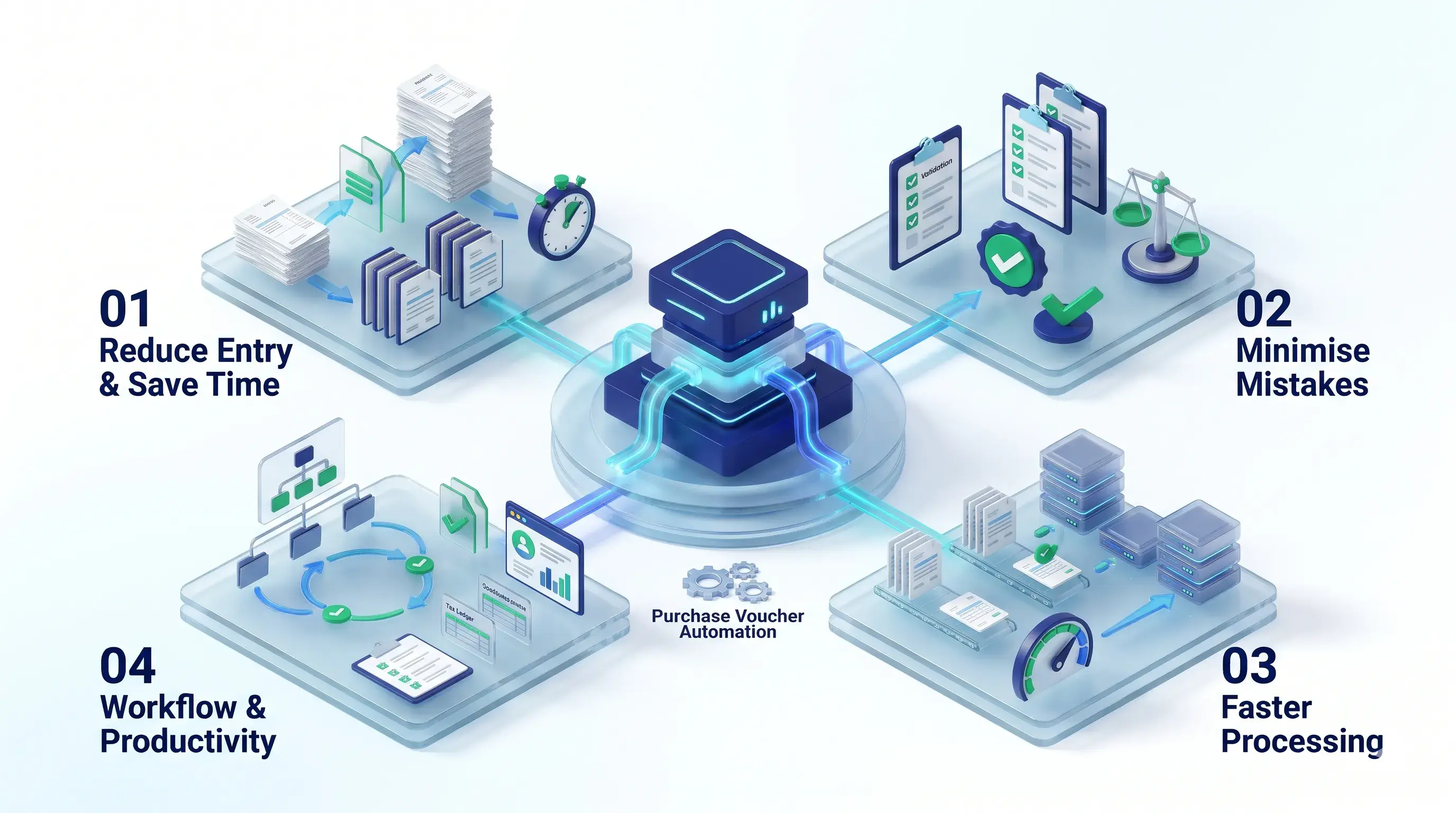
The add-on helps reduce repetitive typing by using information available in supported source documents.
Less time spent entering the same purchase information helps accounting teams manage routine transactions more efficiently.
Reducing manual entry steps minimizes clerical errors in tax amounts, line-item quantities, and ledger allocations.
A configured automation workflow makes recurring purchase voucher generation faster and more convenient.
Continue managing your primary accounting activities in TallyPrime without changing established chart-of-account structures.
With fewer repetitive tasks, employees can focus on vendor reconciliation, payment planning, and financial analysis.
Evaluate the operational differences between traditional manual voucher entry and document-based automation:
| Manual Purchase Entry | Document-Based Automation (Pragyantra) |
|---|---|
| Requires repetitive manual entry | Uses information from supported documents |
| More time spent on routine typing | Helps reduce repetitive work |
| Greater dependence on manual data transfer | Uses a configured processing workflow |
| Additional effort for repeated transactions | Can simplify recurring purchase processing |
| More time required for data entry | More time available for review and verification |
*The actual time savings depend on transaction volume, document quality, configuration, and the business workflow.
Trading companies regularly receive bills from diverse suppliers. Automation eliminates repetitive voucher typing across high invoice volumes.
Distributors managing frequent purchases benefit from a fast, structured, document-driven accounting workflow.
Retail enterprises handling stock replenishments across multiple vendors can streamline recurring purchase entries easily.
Manufacturing plants handling recurring raw material and consumable purchases can reduce back-office accounting bottlenecks.
Small and medium-sized businesses can scale purchase processing without adding administrative headcount or replacing TallyPrime.
Pragyantra provides TallyPrime customisation, add-ons, integration, and business automation solutions designed around practical enterprise requirements.
The Auto Purchase Voucher from Any Document add-on simplifies voucher creation by extracting data directly from source files, helping businesses:
Implementation and configuration parameters are tailored to your specific invoice formats and ledger mapping rules.
1. Can we create purchase vouchers automatically in TallyPrime from documents?
Yes. Pragyantra's Auto Purchase Voucher from Any Document add-on helps create purchase voucher entries using information from supported business documents, depending on the configured workflow.
2. What is the Auto Purchase Voucher from Any Document add-on?
It is a Tally automation add-on designed to simplify purchase voucher creation and reduce repetitive manual data entry.
3. Does this add-on reduce manual purchase entry?
Yes. It helps reduce the need to enter the same purchase information repeatedly, making the purchase processing workflow more efficient.
4. Can the created purchase voucher be reviewed?
Yes. The created voucher can be reviewed as part of the configured accounting workflow before it is finalised.
5. Which document formats are supported?
Supported document formats should be confirmed with Pragyantra's technical team according to the required workflow and configuration.
6. Is this add-on useful for businesses with frequent purchase transactions?
Yes. It can be useful for trading, distribution, retail, manufacturing, and other businesses that regularly process purchase transactions.
7. Does purchase voucher automation replace TallyPrime?
No. The add-on is designed to improve the existing Tally-based purchase workflow rather than replace the accounting software.
8. How can I get this add-on for my business?
You can contact Pragyantra to discuss your purchase document workflow, compatibility requirements, and implementation options.
Still entering purchase information manually from documents into TallyPrime?
Reduce repetitive accounting work and improve your purchase processing workflow with Pragyantra's Auto Purchase Voucher from Any Document add-on.
Talk to the Pragyantra team to understand how the solution can fit your business requirements.
Discover more business automation and customisation solutions from Pragyantra:
Still entering purchase information manually from documents into TallyPrime? Reduce repetitive accounting work and improve your purchase processing workflow with Pragyantra's Auto Purchase Voucher from Any Document add-on.
Talk to the Pragyantra team to understand how this automated solution can fit your business requirements.
🏢 Pragyantra Solutions • TallyPrime Customisation | Tally Add-ons | Business Automation
Direct Support Line: +91 77280 57558 | Enterprise Portal: www.pragyantra.com
Your email address will not be published. Required fields are marked *