

How to Access Tally Prime on Mobile: Complete Guide
 By Pragyantra
- Tally Solutions
- Sep 03, 2026
- 9 minutes read
- 2 Views
How to Access Tally Prime on Mobile: A Complete Guide for Business Owners
Business owners no longer work only from their office desks.
You may be travelling, meeting clients, visiting another branch or working from home. But important business decisions still need access to accurate information.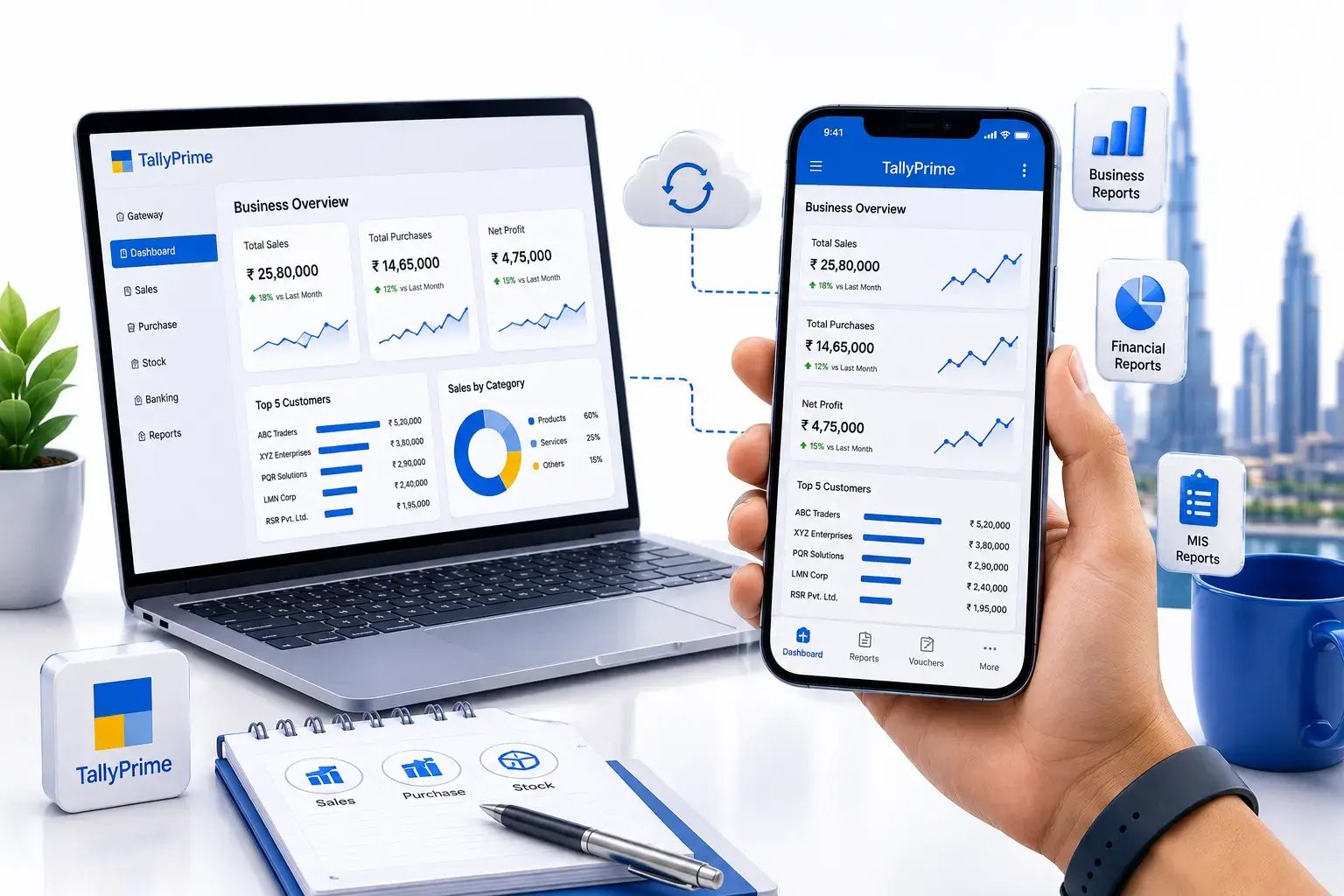
This is why many business owners search for:
- Can I use Tally Prime in mobile?
- How to use Tally Prime in mobile?
- Is there a Tally Prime mobile solution?
- Can I access Tally data on my phone?
- Can I check Tally reports without opening my office computer?
The answer depends on the type of access you need.
Some businesses only want to view reports. Others require remote access, real-time business information or a management dashboard.
This guide explains how businesses can approach Tally Prime mobile access, what options to consider and how to choose the right solution based on their requirements.
Can You Use Tally Prime in Mobile?
The phrase Tally Prime in mobile can mean different things for different businesses.
For some users, it means:
"I want to check my sales from my phone."
For others:
"I want complete access to my accounting system."
And for business owners:
"I simply want important business information without calling my accountant."
Therefore, before choosing a solution, it is important to understand what type of mobile access your business actually requires.
Generally, businesses may look for mobile solutions for:
- Viewing important business reports
- Monitoring sales
- Checking outstanding payments
- Viewing inventory information
- Accessing business dashboards
- Remote access to business systems
- Monitoring business performance while travelling
The right approach depends on your business workflow and the level of information you need.
Why Do Businesses Want Tally Prime on Mobile?
Traditional accounting systems are primarily designed for office environments.
For example, imagine that you are travelling and want to know:
What were today's sales?
Without mobile access, you may need to:
- Call your accountant.
- Ask them to open TallyPrime.
- Wait for the information.
- Receive the report through WhatsApp or email.
This process may work occasionally.
However, repeating it every day creates unnecessary dependency.
Businesses increasingly want faster access to information such as:
- Daily sales
- Customer outstanding balances
- Pending payments
- Stock availability
- Purchase information
- Business performance
This is where mobile access and business dashboards can become useful.

How to Use Tally Prime in Mobile?
If you are searching for how to use Tally Prime in mobile, the first step is not downloading random software.
Instead, start by identifying your requirement.
Step 1: Identify What You Want to Access
Ask yourself:
Do I need:
- Sales reports?
- Outstanding information?
- Stock reports?
- Financial information?
- A management dashboard?
- Remote access?
Your answer will determine the type of solution you should explore.
Step 2: Review Your Existing Tally Environment
Before implementing mobile access, review:
- Which Tally version you are using
- Where your business data is stored
- Number of users
- Current IT infrastructure
- Data security requirements
This information helps determine which type of access is suitable.
Step 3: Choose the Right Mobile Access Approach
Businesses generally look at different approaches depending on their needs.
Option 1: Report Viewing
Suitable for users who only need important reports.
Option 2: Business Dashboard
Suitable for business owners and management teams who want simplified insights.
Option 3: Remote Access
Suitable when users require access to their business environment from outside the office.
Option 4: Integrated Mobile Solution
Suitable for businesses requiring data synchronization or workflow integration.
Tally Prime Mobile Access vs Complete Accounting Access
This is an important difference.
Many businesses search for Tally Prime for mobile assuming that the complete desktop accounting experience will automatically work on a mobile phone.
However, mobile requirements are often different.
Business Owner Requirement
A business owner may only need:
- Today's sales
- Cash position
- Outstanding payments
- Monthly performance
For this type of requirement, opening the complete accounting system may not be necessary.
A dashboard or mobile reporting solution could be more practical.
Accountant Requirement
An accountant may require:
- Voucher management
- Ledger access
- Accounting workflows
- Detailed reports
This may require a different setup.
Therefore:
The best mobile solution depends on who is using the information and what they need to do.
What Business Data Can You Access on Mobile?
Depending on your selected solution and configuration, authorized users may access relevant information such as:
Sales Data
You may monitor:
- Daily sales
- Monthly sales
- Customer-wise sales
- Product-wise sales
- Sales trends
Outstanding Payments
Businesses may want quick visibility into:
- Customer outstanding
- Vendor payments
- Pending receivables
- Pending payables
This can help management teams follow up more efficiently.
Inventory Information
Businesses dealing with inventory may need to check:
- Current stock
- Product availability
- Stock movement
- Inventory levels
Mobile access can help management monitor information while away from the office.
Financial Performance
Depending on the reporting setup, management may review information related to:
- Revenue
- Expenses
- Profitability
- Cash flow
Tally Data on Mobile Device: What Should Businesses Consider?
Accessing Tally data on a mobile device should not only focus on convenience.
Businesses also need to consider security.
Before implementing mobile access, ask:
Who Can Access the Information?
Not every employee requires access to all business information.
What Information Should They See?
Different users may require different reports.
For example:
Business Owner → Full Management Reports
Sales Manager → Sales Information
Warehouse Manager → Inventory Information
How Will Data Be Protected?
Mobile access should include appropriate:
- Authentication
- User permissions
- Access controls
- Security practices
Tally Prime on Mobile Phone Software: How to Select the Right Solution?
When searching for Tally Prime on mobile phone software, avoid selecting a solution based only on marketing claims.
Instead, compare solutions based on your actual business requirements.
Important Selection Factors
1. Compatibility
Does the solution work with your existing environment?
2. Security
How will business information be protected?
3. User Permissions
Can different users receive different levels of access?
4. Reporting Capabilities
Can you access the reports your business actually needs?
5. Mobile Experience
Is the information easy to understand on a mobile screen?
6. Scalability
Can the solution support future business growth?
Common Problems Businesses Face Without Mobile Access
Problem 1: Dependency on Accountants
Business owners need to contact accounting teams for simple information.
Example:
"How much money is outstanding today?"
Instead of checking the information themselves, they need to wait for someone else.
Problem 2: Delayed Decision-Making
Business information may not be available when it is needed.
This can slow down decisions related to:
- Sales
- Payments
- Purchases
- Inventory
Problem 3: Too Many Reports
Traditional accounting systems contain detailed reports.
Business owners may not need every report.
They simply need answers.
Problem 4: Limited Visibility While Travelling
Business owners travelling between branches or cities may have limited access to important information.
Tally Prime Mobile Access for Business Owners
Business owners usually don't want to spend time navigating complicated accounting reports.
They want answers.
For example:
- How much did we sell today?
- Which customers have pending payments?
- How is the business performing this month?
- What is our stock situation?
This is why a business-focused mobile solution should prioritize:
- Important KPIs
- Easy navigation
- Quick reports
- Clear information
Using a Tally Prime Mobile Dashboard
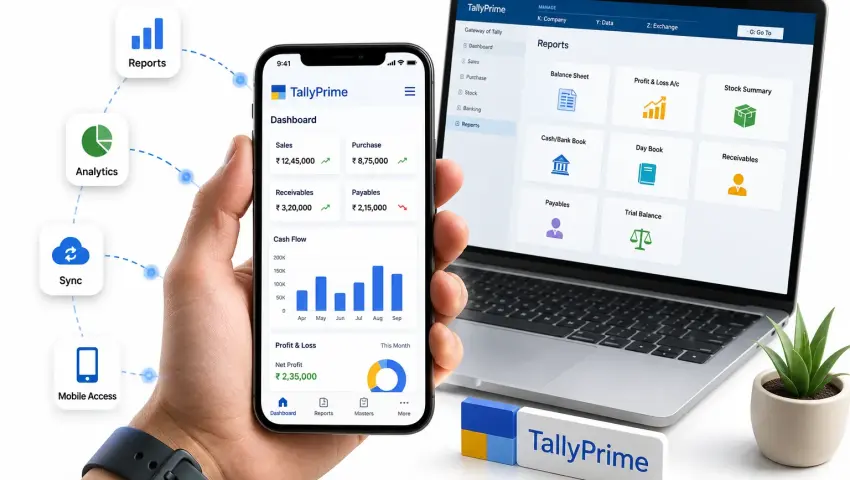
A Tally Prime mobile dashboard can simplify business monitoring.
Instead of searching through multiple reports, a dashboard can display key metrics in one location.
A Dashboard May Include
- Daily sales
- Monthly sales
- Outstanding receivables
- Outstanding payables
- Cash information
- Stock levels
- Business trends
This can help non-accountants understand business performance more easily.
Related Solution:
Explore Pragyantra's AI Business Dashboard for TallyPrime →
Tally Prime Mobile Access for SMEs
Small and medium businesses often face a common challenge:
Important information exists, but management does not have easy access to it.
A mobile access solution can help reduce this gap.
However, SMEs should avoid implementing unnecessary complexity.
The solution should match:
- Business size
- Number of users
- Reporting requirements
- Security needs
When Do You Need Remote Access Instead?
Some businesses require more than reports.
They may need access to:
- Accounting software
- Business systems
- Detailed accounting information
In these cases, remote access may be considered.
However, businesses should evaluate:
- Internet reliability
- System security
- User permissions
- Performance
For businesses with remote infrastructure requirements, cloud-based access may also be relevant.
Related Service:
Explore Tally on Cloud Solutions →
Mobile Access vs Tally on Cloud
| Feature | Mobile Access Solution | Tally on Cloud |
|---|---|---|
| Access reports on mobile | Yes | Depends on setup |
| Management dashboards | Yes | Possible |
| Complete accounting environment | Limited/Depends | More suitable |
| Business owner monitoring | Strong | Moderate |
| Multi-location access | Possible | Strong |
| Mobile convenience | Strong | Depends |
| Desktop software access | Limited | Strong |
The right option depends on your business requirement.
How Businesses Use Mobile Access for Tally Data
Scenario 1: Business Owner Travelling
The owner wants to monitor:
- Sales
- Cash flow
- Outstanding payments
A mobile dashboard may provide faster access to relevant information.
Scenario 2: Multiple Branches
Management wants visibility across locations.
A centralized reporting system can help bring important information together.
Scenario 3: Sales Management
The sales manager needs quick visibility into:
- Customer performance
- Sales trends
- Outstanding amounts
Mobile reporting can improve access to information.
Scenario 4: Management Reporting
Management teams want important KPIs without waiting for manually prepared reports.
A dashboard can help automate reporting workflows.
Benefits of Accessing Business Information on Mobile
Faster Decision-Making
Information can be accessed faster when authorized users are away from the office.
Reduced Dependency
Business owners can access relevant information independently.
Better Business Visibility
Important business metrics can be monitored more regularly.
Improved Mobility
Travelling does not necessarily mean losing visibility into business operations.
Time Savings
Teams may spend less time responding to repeated information requests.
Important Security Considerations
Business information is sensitive.
Before implementing any mobile solution, businesses should consider:
User Authentication
Ensure authorized users can securely access information.
Role-Based Access
Different users should receive appropriate access levels.
Device Security
Mobile devices should be protected appropriately.
Data Access Policies
Businesses should define:
- Who can access information?
- From which devices?
- Which information can they view?
How Pragyantra Helps Businesses with Tally Prime Mobile Access
Pragyantra focuses on understanding the business requirement before recommending an approach.
Step 1: Requirement Analysis
We understand:
- What information you need
- Who requires access
- Which devices are being used
Step 2: Existing System Review
We review your current Tally environment and technical requirements.
Step 3: Solution Planning
We help identify the appropriate approach for:
- Mobile reports
- Dashboards
- Remote access
- Data integration
Step 4: Implementation
The solution is configured based on the agreed business requirements.
Step 5: Testing
We test:
- User access
- Data visibility
- Mobile usability
- Permissions
Frequently Asked Questions
Can I use Tally Prime in mobile?
The available access depends on the type of solution and your business requirements.
How do I use Tally Prime on mobile?
First identify whether you need reports, dashboards or remote access. The implementation approach depends on your requirement.
Can I access Tally data on my mobile device?
A compatible mobile access, reporting or dashboard solution may provide access to relevant information.
Can I view Tally Prime reports on my phone?
Depending on the selected solution and configuration, authorized users may access relevant reports.
Is Tally Prime mobile access useful for business owners?
Yes, particularly when business owners need quick access to sales, outstanding information and business performance data.
Do I need complete Tally access on mobile?
Not always. Many business owners only require reports and important business KPIs.
Final Thoughts
Accessing Tally Prime on mobile is not simply about moving accounting software to a smaller screen.
The real objective is to help businesses access the right information when they need it.
Before choosing a solution, ask:
- What information do I need?
- Who needs access?
- Do I need reports or complete access?
- What security controls are required?
The answers will help determine whether you need:
- Mobile reporting
- A business dashboard
- Remote access
- Cloud-based infrastructure
Explore Tally Prime Mobile Access Solutions
If your business needs easier access to important TallyPrime information, Pragyantra can help you evaluate the right approach.
You may need:
- Mobile access to business information
- Tally reports on mobile
- A Tally-connected business dashboard
- Remote business access
- TallyPrime integration
Explore Tally Prime Mobile Access Solutions

Pragyantra
Leave a comment
Your email address will not be published. Required fields are marked *