

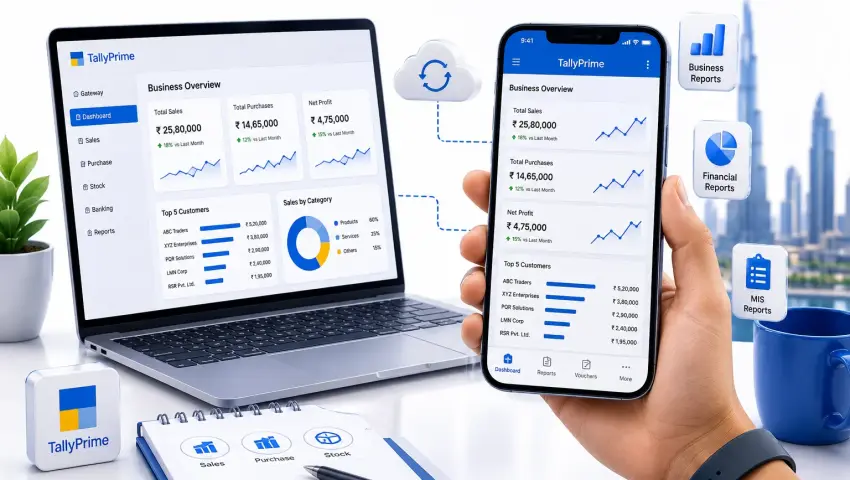
Tally Prime Mobile Access
⚡📱 Tally Mobile Access
Tally Prime Mobile Access: Access TallyPrime Data on Mobile Anytime
Access your TallyPrime business data securely from your mobile device.
Pragyantrahelps businesses enable Tally Prime mobile access for real-time reports, business monitoring, remote access, dashboards and decision-making from Android and iPhone devices.
Whether you are travelling, managing multiple branches, working remotely or simply need quick access to important business information, the right Tally mobile solution can help you stay connected to your business without being physically present at your office.
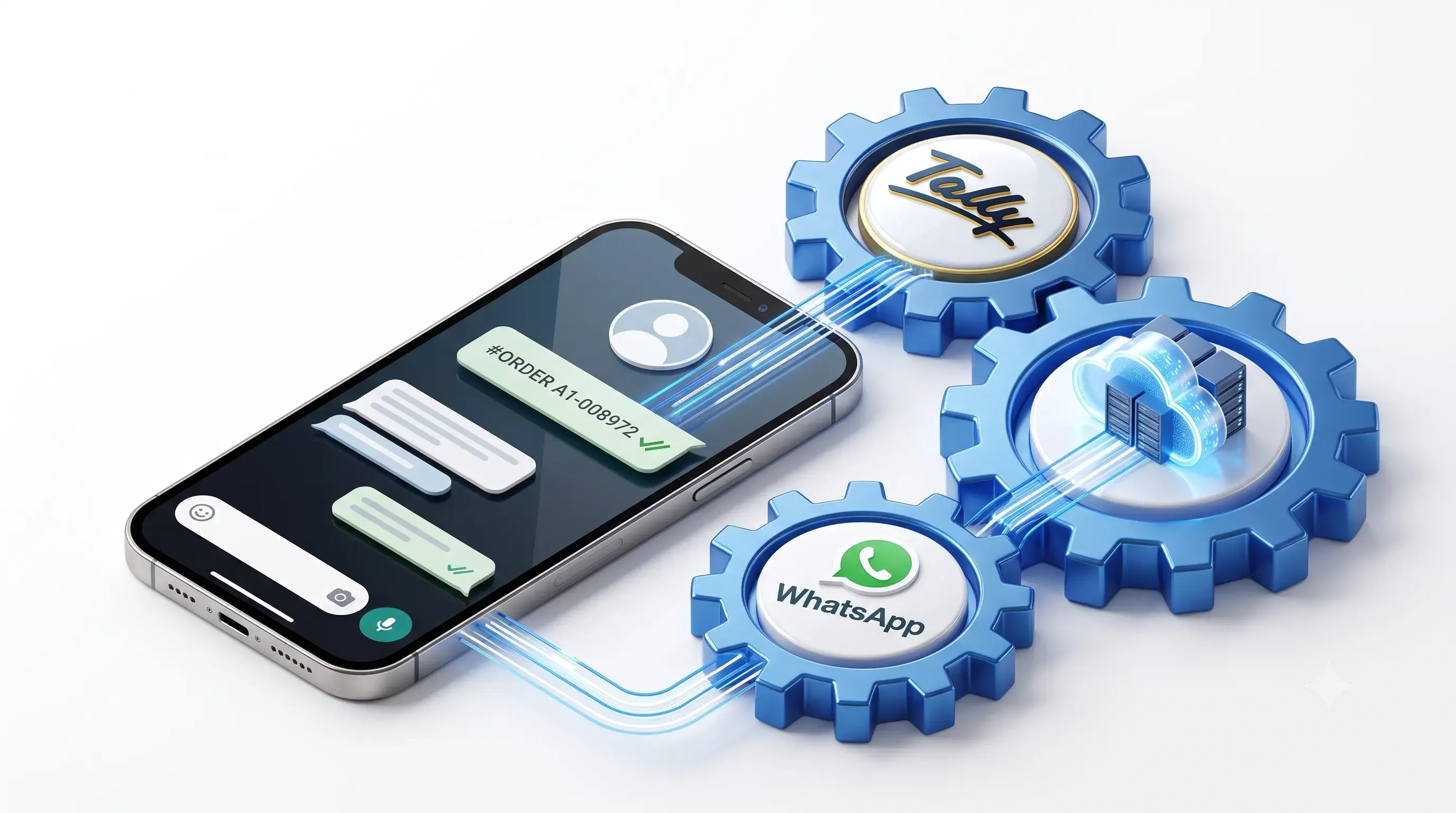
Get Tally Prime Access on Mobile Without Being Limited to Your Office
Running a business often means making decisions outside the office.
You may need to check:
- Today's sales
- Outstanding payments
- Customer balances
- Cash flow
- Stock availability
- Purchase information
- Profit performance
- Business reports
But your TallyPrime data is usually accessed from your office computer or server environment.
This creates a challenge for business owners and managers who want to check important information while travelling or working remotely.
With the right Tally Prime mobile access solution, businesses can access relevant Tally data on mobile devices and stay informed about business performance from anywhere.
Pragyantra helps businesses explore practical solutions for:
- Tally Prime on mobile phone
- Tally Prime mobile access
- Tally data on mobile devices
- Remote access to TallyPrime
- Tally Prime reports on mobile phones
- Real-time Tally data monitoring
- Mobile business dashboards
What Is Tally Prime Mobile Access?
Tally Prime mobile access refers to solutions that allow business owners, managers and authorized users to view relevant TallyPrime information using a mobile device.
Depending on the selected solution and business requirements, users may be able to access information such as:
- Sales reports
- Purchase information
- Outstanding receivables
- Outstanding payables
- Customer balances
- Stock details
- Cash and bank information
- Business performance reports
The purpose is simple: Give business owners and authorized teams faster access to important business information without depending entirely on the office computer.
However, businesses should understand that different mobile solutions offer different levels of access.
Some solutions focus primarily on:
- Viewing reports
While others may provide:
- Remote access
- Mobile dashboards
- Data synchronization
- Business alerts
- Workflow automation
Pragyantra helps businesses identify the right approach based on their actual requirements.
Why Businesses Need Tally Prime on Mobile with Pragyantra
Traditional accounting workflows often depend on office-based systems.
For example: A business owner wants to know: "How much sales did we generate today?"
The owner may need to:
- Contact the accountant.
- Wait for the report.
- Ask someone to check TallyPrime.
- Receive the information later.
This process slows down decision-making.
With a properly configured Pragyantra Tally Prime mobile solution, authorized users can access relevant business information faster.
Common Business Situations
Business Owners Travelling Frequently
Check important business reports without waiting to return to the office.
Multiple Branch Businesses
Monitor information across different locations.
Sales Managers
Review sales performance and customer information.
Directors and Management Teams
Access business insights without depending on manual reports.
Remote Teams
Stay connected with business information from authorized locations.
Tally Prime on Mobile Phone: What Can You Access?
The information available depends on the selected Tally mobile application, integration or dashboard solution.
Sales Information
Monitor:
- Daily sales
- Monthly sales
- Sales trends
- Customer-wise sales
- Product-wise sales
Outstanding Payments
Track:
- Receivables
- Payables
- Pending payments
- Customer outstanding balances
Stock Information
View:
- Current stock
- Inventory levels
- Product availability
- Stock movement
Financial Reports
Access relevant information related to:
- Profit and loss
- Cash flow
- Business performance
- Financial trends
Business Dashboards
Instead of navigating through multiple reports, management teams can view important business metrics through a centralized dashboard.
Pragyantra Tally Prime Mobile App: Understanding Your Options
Businesses searching for a Tally Prime app for Android, Tally Prime mobile app download, or Tally software for Android phone should first understand one important point:
The right solution depends on what you actually want to do with your Tally data.
Before selecting a Tally mobile application, ask:
- Do you only need to view reports? A reporting or dashboard solution may be suitable.
- Do you need remote access? You may require a secure remote access setup.
- Do you need real-time business monitoring? A Tally-connected dashboard may be more appropriate.
- Do you need mobile access for multiple users? User permissions and security controls become important.
- Do you want automation along with mobile access? An integrated business automation solution may be required.
Pragyantra helps businesses evaluate these requirements before implementing a solution.
Tally Prime App for Android by Pragyantra
Android devices are widely used by business owners and employees across India.
A Tally Prime app for Android solution can help authorized users access relevant business information while away from their primary office system.
Depending on the solution, users may be able to:
- View Tally reports
- Check sales performance
- Monitor outstanding payments
- Review stock information
- Access business dashboards
- Receive business updates
However, businesses should not install any random Tally mobile application free solution without checking:
- Data security
- User permissions
- Integration method
- Compatibility
- Data synchronization
- Support availability
Pragyantra helps businesses identify solutions based on operational and security requirements.
Tally Prime Software for iPhone with Pragyantra
Business owners using Apple devices may search for:
- Tally Prime software for iPhone
- Tally data on iPhone
- Tally Prime mobile access for iOS
The availability and functionality of mobile access depend on the specific solution being used.
Instead of assuming that every Tally mobile application provides identical functionality across Android and iOS, businesses should verify:
- Device compatibility
- Supported features
- Reporting capabilities
- Security controls
- Data access limitations
Pragyantra can help evaluate suitable options for businesses that require Tally-related access through mobile devices.
Tally Prime Mobile View Online with Pragyantra
Sometimes business owners do not need a complete accounting interface on mobile.
They simply want quick answers.
For example:
- What are today's sales?
- How much money is outstanding?
- Which customers have pending payments?
- What is our current stock position?
- How is the business performing this month?
In these situations, a Tally Prime mobile view online solution or centralized dashboard can be more practical than accessing a complete accounting interface.
A management-focused view can simplify business monitoring by displaying important information in an easy-to-understand format.
Pragyantra Tally Prime Reports on Mobile Phone
Business reports are among the most valuable features businesses look for when searching for Tally mobile access.
Instead of opening TallyPrime and manually navigating through reports, authorized users may want quick access to important information.
Reports may include:
- Daily sales reports
- Monthly sales reports
- Outstanding reports
- Customer balances
- Inventory reports
- Purchase reports
- Financial summaries
- Business performance indicators
The objective is not simply to put Tally on a mobile screen.
The objective is: Make important business information easier to access and understand.
Tally Data on Mobile Device for Faster Decision-Making
Modern business decisions cannot always wait until the end of the day.
Business owners may need information immediately.
For example:
- A customer calls and asks about a pending balance.
- A manager needs to know today's sales.
- A business owner wants to review stock before placing an order.
- A finance decision needs current outstanding information.
Access to relevant Tally data on a mobile device can reduce dependency on manual communication and reporting.
However, data access should always be configured with appropriate:
- User permissions
- Security controls
- Authentication
- Access restrictions
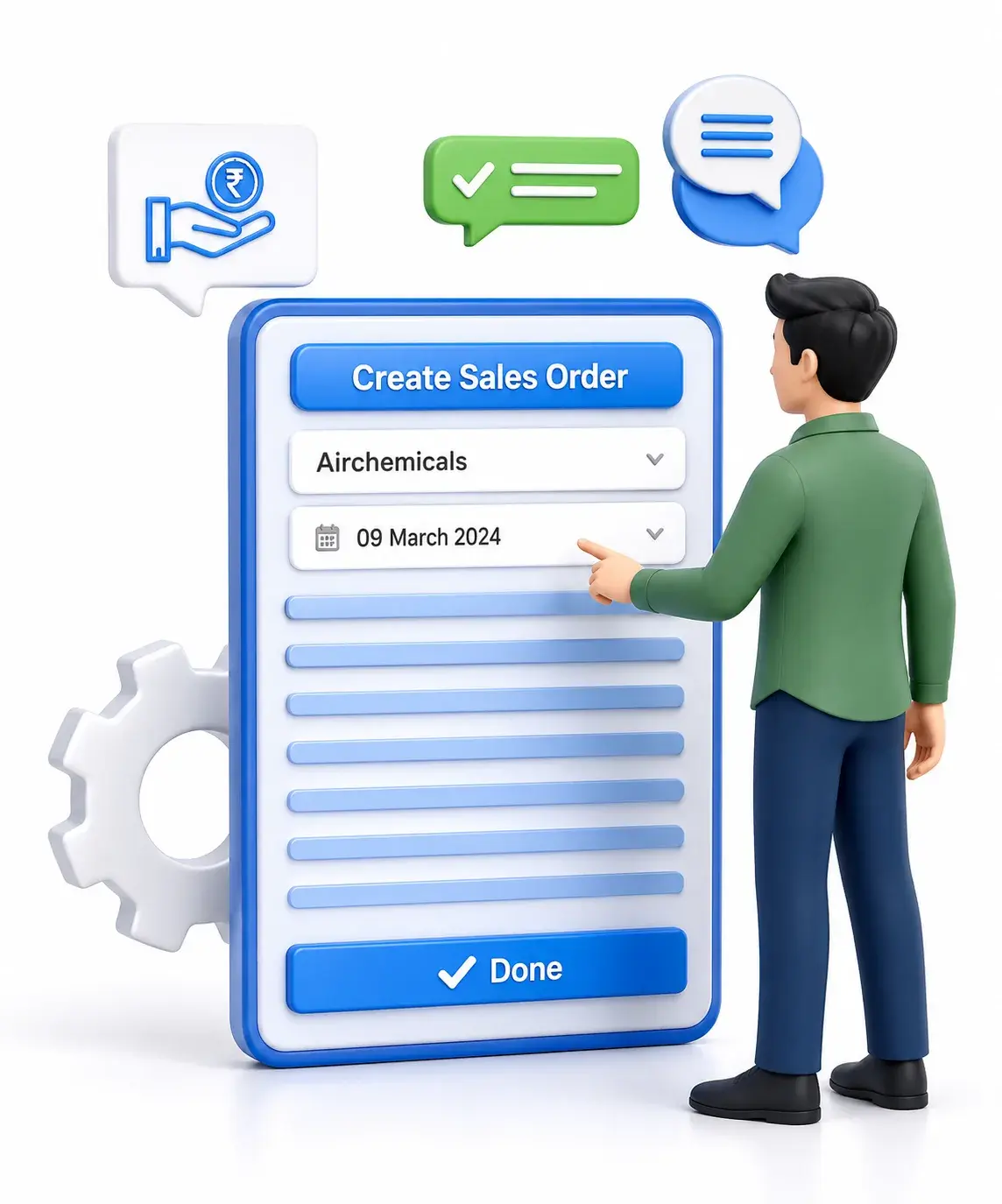
Pragyantra Tally Prime Remote Access on Mobile
Tally Prime remote access on mobile is different from simply viewing a dashboard.
Remote access may allow authorized users to connect to business systems from outside the office environment.
Before implementing remote access, businesses should consider:
- Security: Who should access the data?
- User Permissions: What information should each user see?
- Connectivity: How will the remote system connect securely?
- Performance: Will the system provide a reliable experience?
- Business Requirements: Does the business actually need full remote access?
In many cases, a complete remote desktop environment may not be necessary.
A mobile dashboard or reporting solution may provide the information management actually needs.
Pragyantra helps businesses choose the right approach rather than implementing unnecessary complexity.
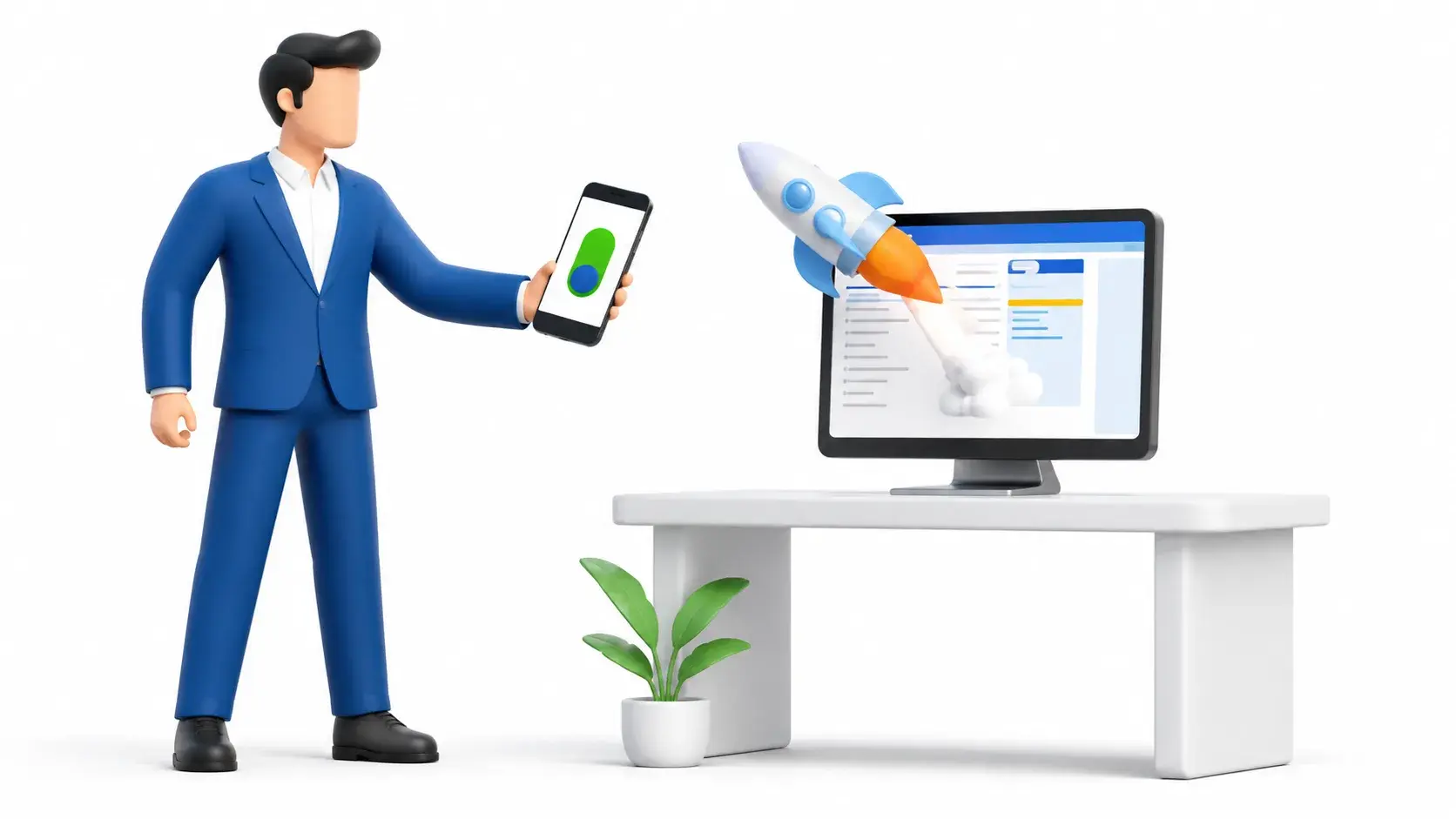
Pragyantra Tally Prime Mobile Dashboard for Business Owners
A Tally Prime mobile dashboard can help business owners monitor important business information through a visual interface.
Instead of navigating through multiple accounting reports, a dashboard can organize important metrics in one place.
A Business Dashboard May Include:
- Today's sales
- Monthly sales
- Profit indicators
- Outstanding receivables
- Outstanding payables
- Cash flow information
- Stock alerts
- Sales trends
- Business growth indicators
This makes business information easier to understand for non-accountants and management teams.
Real-Time Tally Data on Mobile
Many businesses search for: real-time Tally data on mobile
However, businesses should clearly define what "real-time" means for their workflow.
The data update frequency may depend on:
- Integration architecture
- Data synchronization
- Internet connectivity
- Software configuration
- Server environment
- Selected solution
Pragyantra analyzes the business requirement before recommending an implementation approach.
The objective is to provide reliable information rather than making unrealistic promises about data availability.
How to Use Tally Prime in Mobile?
Businesses frequently ask: How to use Tally Prime in mobile?
The answer depends on the type of access required.
Step 1: Identify Your Requirement
Decide whether you need:
- Report viewing
- Dashboard monitoring
- Remote access
- Data synchronization
- Mobile alerts
Step 2: Review Your Current Tally Environment
Check:
- TallyPrime version
- Existing infrastructure
- Number of users
- Data location
- Security requirements
Step 3: Choose the Right Solution
Select an approach based on your business requirements.
Step 4: Configure User Access
Define:
- Who can access information?
- What reports can they view?
- What permissions are required?
Step 5: Test the System
Before full implementation:
- Test data access
- Verify reports
- Check synchronization
- Test mobile usability
Step 6: Train Users
Make sure users understand:
- How to access reports
- Security practices
- Login procedures
- Available features
Pragyantra Tally Mobile App With GST Information
Businesses searching for a Tally mobile app with GST often want quick access to GST-related accounting information.
Depending on the solution and reporting configuration, businesses may need access to:
- Sales information
- Purchase information
- Tax-related data
- GST summaries
- Outstanding information
However, mobile access should not automatically be treated as a replacement for your complete accounting and compliance workflow.
The exact reporting requirements should be evaluated before implementation.
Best Tally App for Android Mobile: How to Choose?
Instead of simply searching for the best Tally app for Android mobile, businesses should compare solutions based on actual requirements.
Consider These Factors
- 1. Compatibility: Does the solution work with your existing Tally environment?
- 2. Security: How is business data protected?
- 3. User Access: Can permissions be controlled?
- 4. Reporting: Which reports are available?
- 5. Data Updates: How frequently is information updated?
- 6. Scalability: Can the solution support business growth?
- 7. Support: Is implementation and technical support available?
Tally Software for Android Phone: A Business Perspective
A Tally software for Android phone solution should not be selected only because it looks convenient.
Business accounting information is sensitive.
Before implementation, businesses should understand:
- Where data is stored
- How data is accessed
- Who can access it
- Whether permissions can be managed
- How updates are synchronized
The goal should be: Convenience without compromising business data security.
Pragyantra Tally Prime Mobile Sync Software
Some businesses require information to move between systems.
They may search for: Tally Prime mobile sync software
Before implementing synchronization, it is important to understand:
- What data needs to sync?
- Sales data
- Customer information
- Inventory information
- Business reports
- How frequently?
- Real-time
- Periodic
- Manual synchronization
- Where will the data go?
- Mobile application
- Dashboard
- CRM
- Business intelligence platform
Pragyantra helps businesses evaluate the integration requirements before implementing a solution.
Why Choose Pragyantra for Tally Prime Mobile Access?
Pragyantra focuses on understanding the actual business requirement before recommending a solution.
Instead of treating every business the same, we evaluate:
- Your Current System: Understanding your existing Tally environment.
- Your Business Requirement: Identifying what information you actually need on mobile.
- Your Users: Defining access for business owners, managers and employees.
- Your Security Requirements: Ensuring sensitive information is handled responsibly.
- Your Growth Plans: Selecting an approach that can support future business needs.
Our Tally Mobile Access Approach
Requirement Analysis
What data do you need? Who needs access? Which devices?
Existing System Review
Review your existing setup and compatibility requirements.
Solution Planning
Identify appropriate approach for mobile reports, dashboards, remote access or integration.
Implementation
Solution configured according to business requirements.
Testing
Verify access, data visibility, user permissions and mobile usability.
Support
Assist with implementation and ongoing optimization.
Who Can Benefit From Tally Prime Mobile Access?
👔 Business Owners
Monitor important information while travelling.Directors
Access business performance information quickly.
📊 Sales Teams
Review relevant sales information.
💰 Finance Managers
Monitor financial indicators.
🏬 Multi-Branch Businesses
View information across locations.
🚀 SMEs
Reduce dependency on manual reporting.
Industries That Can Use Mobile Tally Access
🛒 Retail Businesses
Monitor sales, stock and outstanding payments.
🏭 Manufacturing Companies
Track inventory, purchases and production data.
📦 Distribution Businesses
Monitor sales performance, stock movement and customer outstanding.
💼 Service Businesses
Review revenue, outstanding invoices and business performance.
👨💼 CA Firms & Accounting Professionals
Access relevant client information based on authorized workflows.
Tally Prime Mobile Access vs Business Dashboard
| Feature | Mobile Access | Business Dashboard |
|---|---|---|
| View Tally information | Yes | Yes |
| Visual reports | Depends on solution | Yes |
| Business KPIs | Limited/Depends | Strong |
| Easy for business owners | Depends | Yes |
| Management reporting | Depends | Yes |
| Multiple data sources | Limited | Possible |
| Trend analysis | Limited | Strong |
| Decision-making view | Moderate | Strong |
The right option depends on your business objective.
Common Challenges Businesses Face
Challenge: Waiting for Accountants
Business owners depend on someone else to provide reports.
Possible Solution: Authorized mobile reporting or dashboards.
Challenge: Too Many Reports
Management teams struggle to find important information.
Possible Solution: Centralized business dashboards.
Challenge: Limited Access Outside the Office
Business owners cannot check information while travelling.
Possible Solution: Secure remote or mobile access.
Challenge: Manual Reporting
Teams spend time creating reports repeatedly.
Possible Solution: Automated reporting and dashboards.
Frequently Asked Questions
1. Can I use Tally Prime on mobile?
Mobile access depends on your selected solution and business setup. Different solutions may provide reporting, dashboard access or remote access.
2. Is there a Tally Prime app for Android?
Businesses should evaluate available compatible solutions based on their Tally environment and required functionality.
3. Can I access Tally Prime on an iPhone?
The available options depend on the selected solution and device compatibility.
4. How can I view Tally reports on my mobile phone?
A compatible mobile reporting, dashboard or remote access solution may be required.
5. Can I access Tally data remotely?
Yes, depending on the infrastructure and solution selected. Security and user permissions should be considered.
6. What is Tally Prime mobile access?
It refers to accessing relevant TallyPrime information through a mobile device using a suitable solution.
7. Can I see real-time Tally data on mobile?
Data update availability depends on integration and synchronization architecture.
8. Is mobile access secure?
Security depends on how the solution is configured, including authentication and user permissions.
9. Can multiple users access Tally information on mobile?
This depends on the selected solution and access control configuration.
10. Can I access Tally reports without using a laptop?
Depending on your requirements, a mobile reporting or dashboard solution may provide access to important business information.
11. What is the best Tally app for Android?
The best option depends on your business requirements, security needs and existing software environment.
12. Does Tally mobile access support business dashboards?
A dashboard solution can be configured to provide visual access to relevant business information.
13. Can I monitor outstanding payments on mobile?
Depending on the configured solution and permissions, outstanding information may be available.
14. Can I view stock information on my phone?
Compatible reporting or dashboard solutions may provide access to inventory-related information.
15. Does Pragyantra provide Tally mobile access solutions?
Pragyantra can help businesses evaluate and implement suitable solutions based on their Tally environment and business requirements.