Enable Shortcut Keys for Quick Access – Tally Add‑on
Overview
Accounting teams often spend a lot of time navigating through multiple menus to create vouchers, open reports, or check ledgers. These repetitive tasks can slow down the daily workflow.
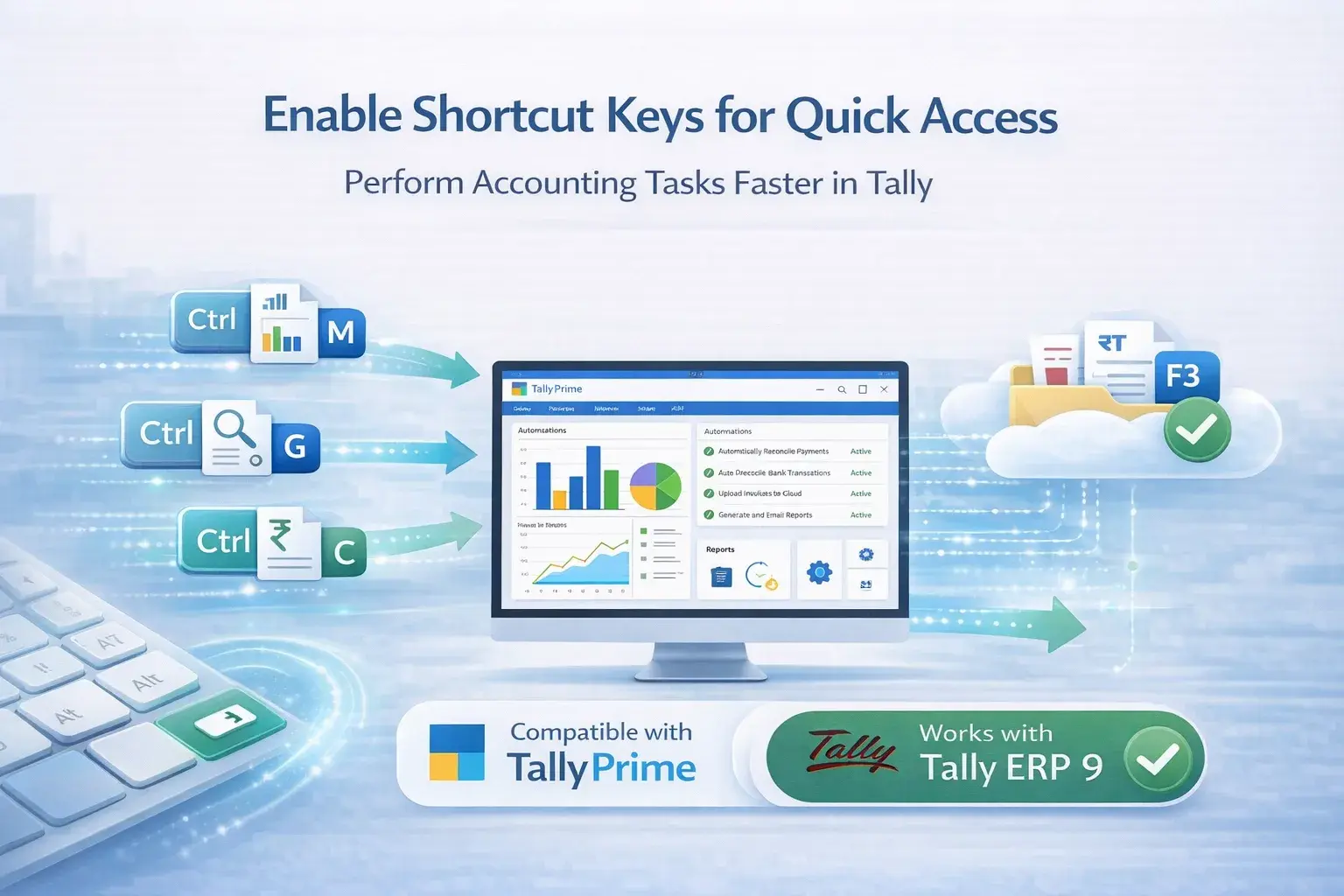
The Quick Access Shortcut Keys Add‑on simplifies this process. Access important Tally functions directly using keyboard shortcuts, eliminating the need to click through deep menus.
With this add-on, accountants can open reports and vouchers instantly. This reduces navigation time and significantly improves overall workflow efficiency, especially for businesses with high transaction volumes.
⌨️Instant Access: No more searching through menus; use direct keys.
⚡Boost Speed: Perform tasks 2x faster with predefined shortcuts.
📉Reduce Effort: Minimize mouse clicks and manual navigation.
What This Add‑on Does
The Shortcut Keys Add‑on enables keyboard shortcuts for frequently used actions in Tally. Instead of navigating through multiple menu options, users can press specific key combinations to instantly access reports, voucher entry screens, and other functions.
This helps accounting teams complete tasks faster and improves overall productivity by focusing on a keyboard-based workflow.
Key Features
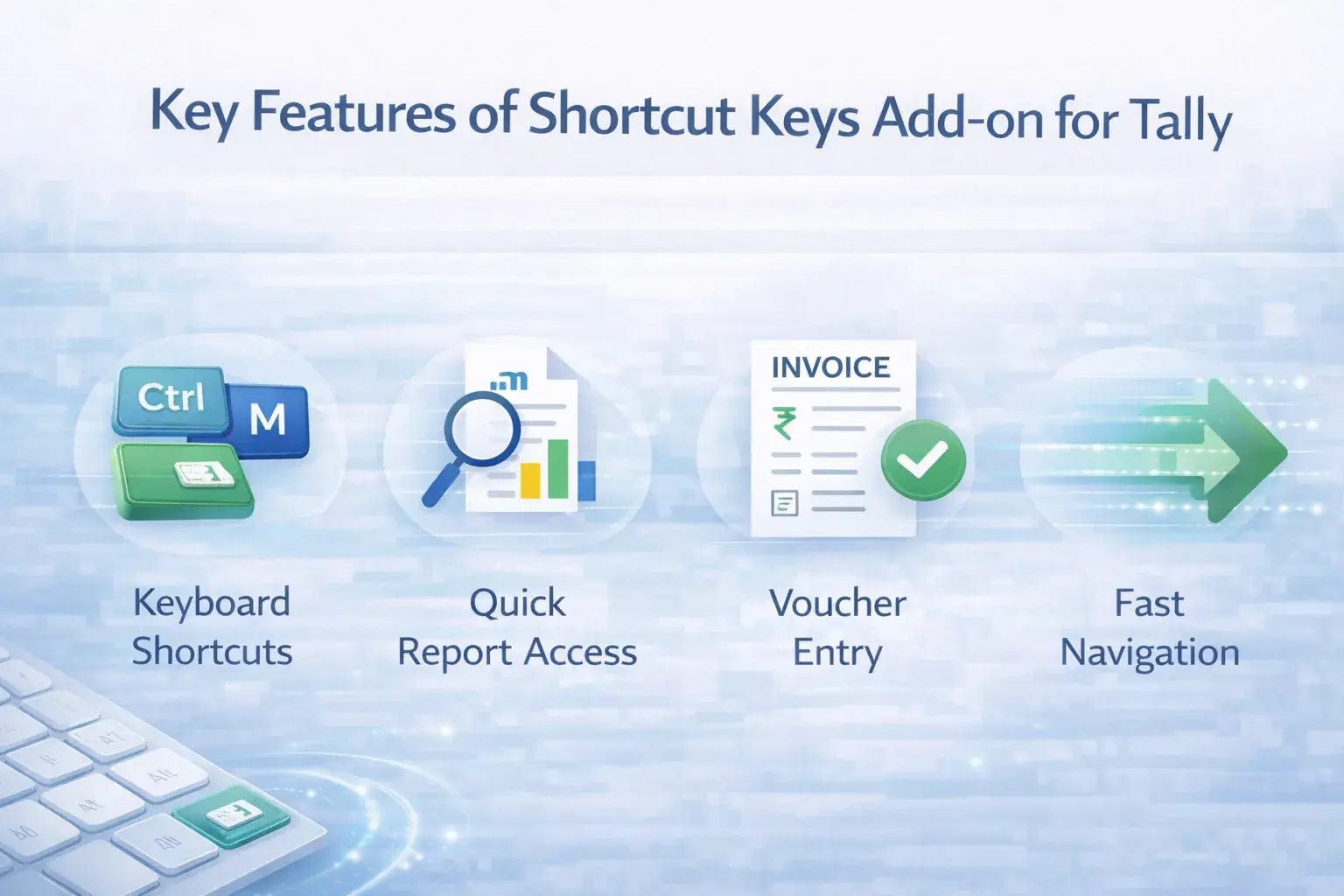
- Enable shortcut keys for quick access in Tally
- Faster navigation across Tally menus and reports
- Reduce time spent searching for features
- Improve workflow efficiency for accountants
- Simple configuration and easy usage
- Compatible with TallyPrime and Tally ERP 9
Business Benefits
🚀 Faster Accounting Operations: Perform tasks quickly without navigating multiple menus.
📈 Improved Productivity: Complete more tasks in less time.
🛠️ Better Workflow Efficiency: Reduces repetitive navigation steps inside Tally.
⏳ Time Saving: Especially useful for businesses with high accounting workloads.
Who Should Use This
- SMEs using Tally daily
- High transaction businesses
- Accounting firms
- Keyboard-based users
Compatibility
✔ TallyPrime
✔ Tally ERP 9
Improve Your Tally Productivity
Speed up your accounting workflow with the Quick Access Add‑on.