Businesses using Tally often need to export accounting vouchers for data analysis, auditing, or integration with other systems. Normally, exporting vouchers one by one or performing repetitive export tasks is incredibly time‑consuming and prone to errors.
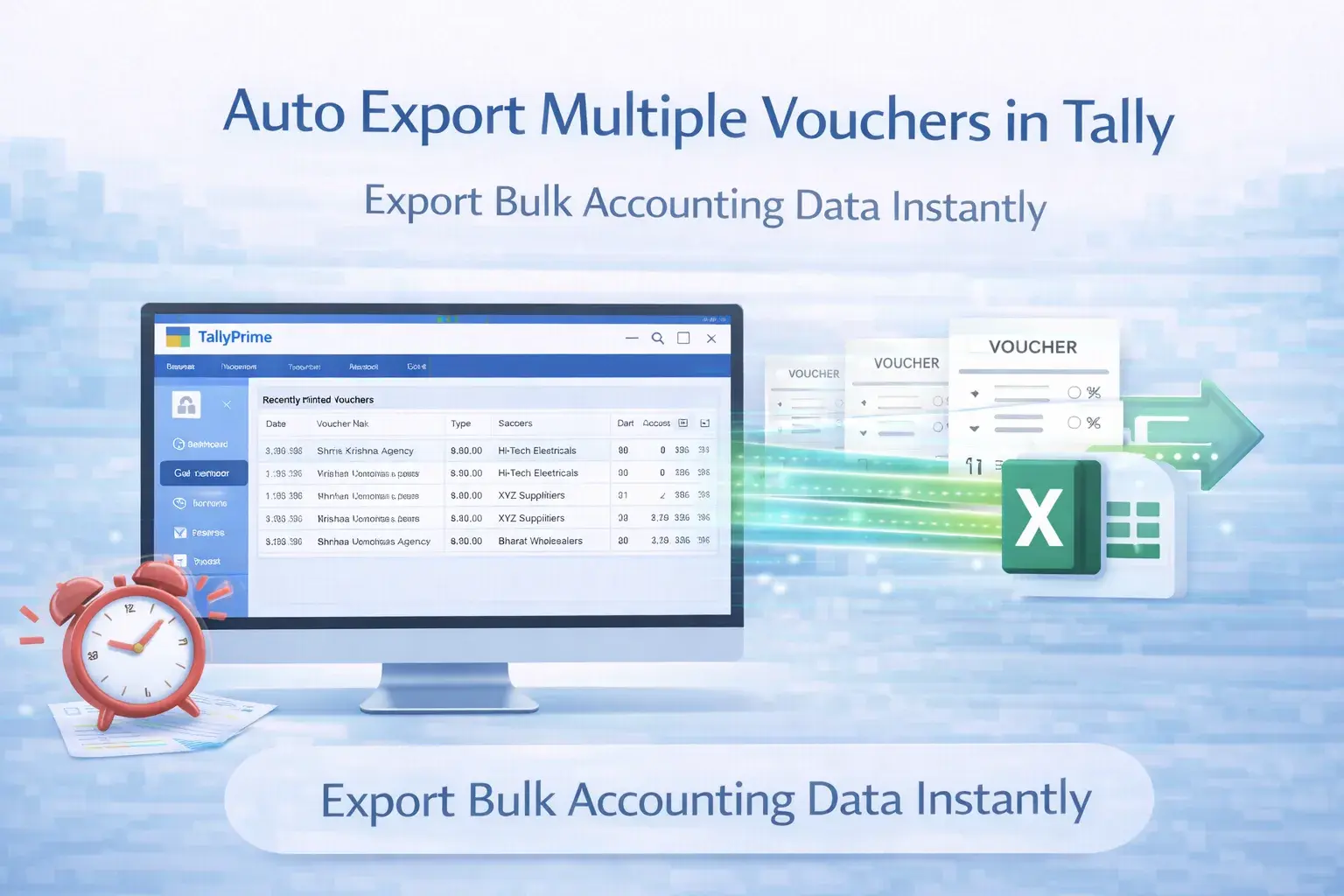
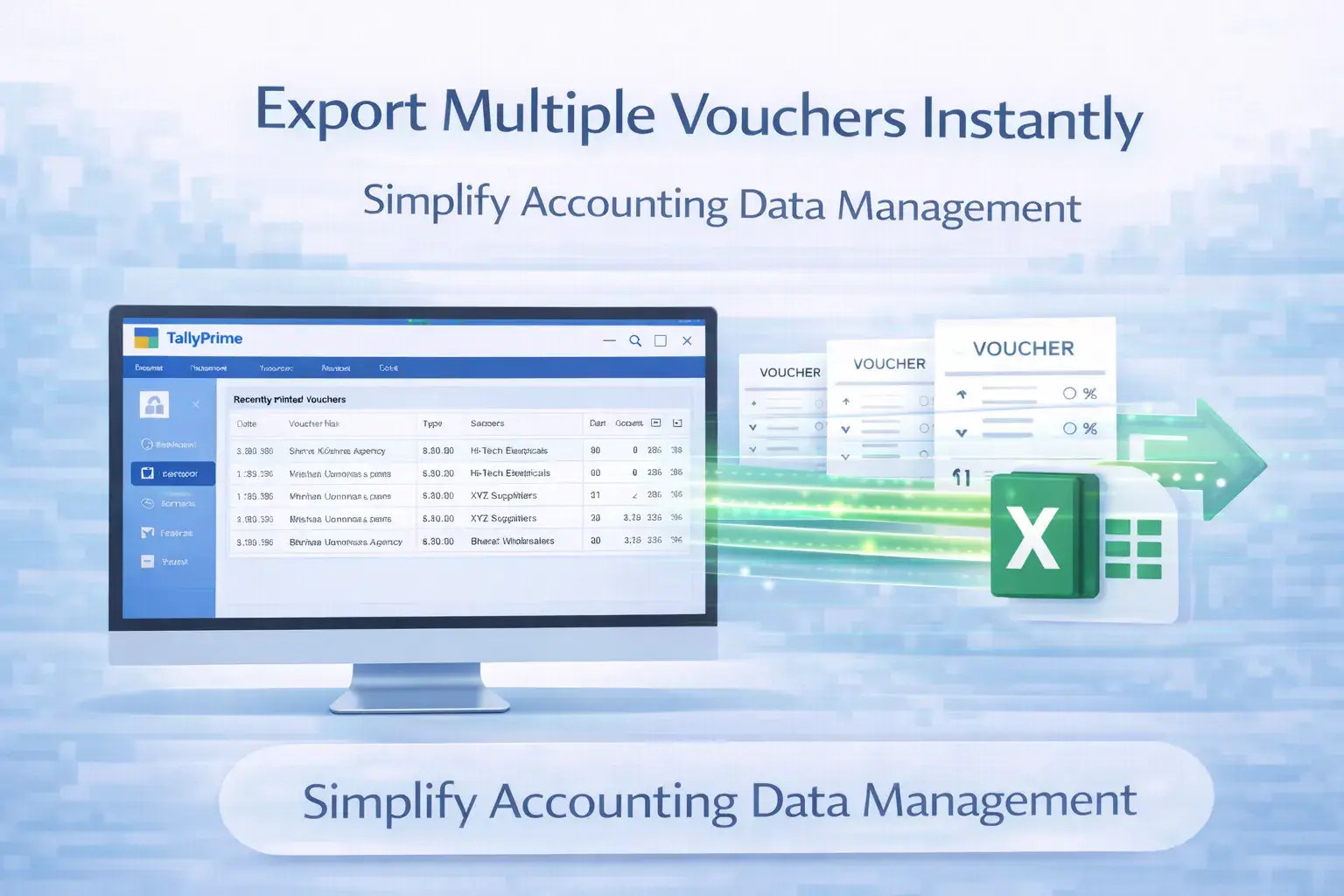
The Auto Export of Multiple Vouchers Add‑on simplifies this process by enabling bulk export directly from Tally. Export thousands of vouchers automatically in formats like Excel or XML with a single command.
This feature is particularly useful for businesses managing large volumes of transactions that need quick access to voucher data for advanced reporting or seamless system integration.
📦Bulk Processing: No more one-by-one exporting; handle multiple vouchers at once.
📊Multi-Format: Ready-to-use data in Excel, XML, or structured formats.
⏱️Save Hours: Automate repetitive export tasks and focus on analysis.
What This Add‑on Does
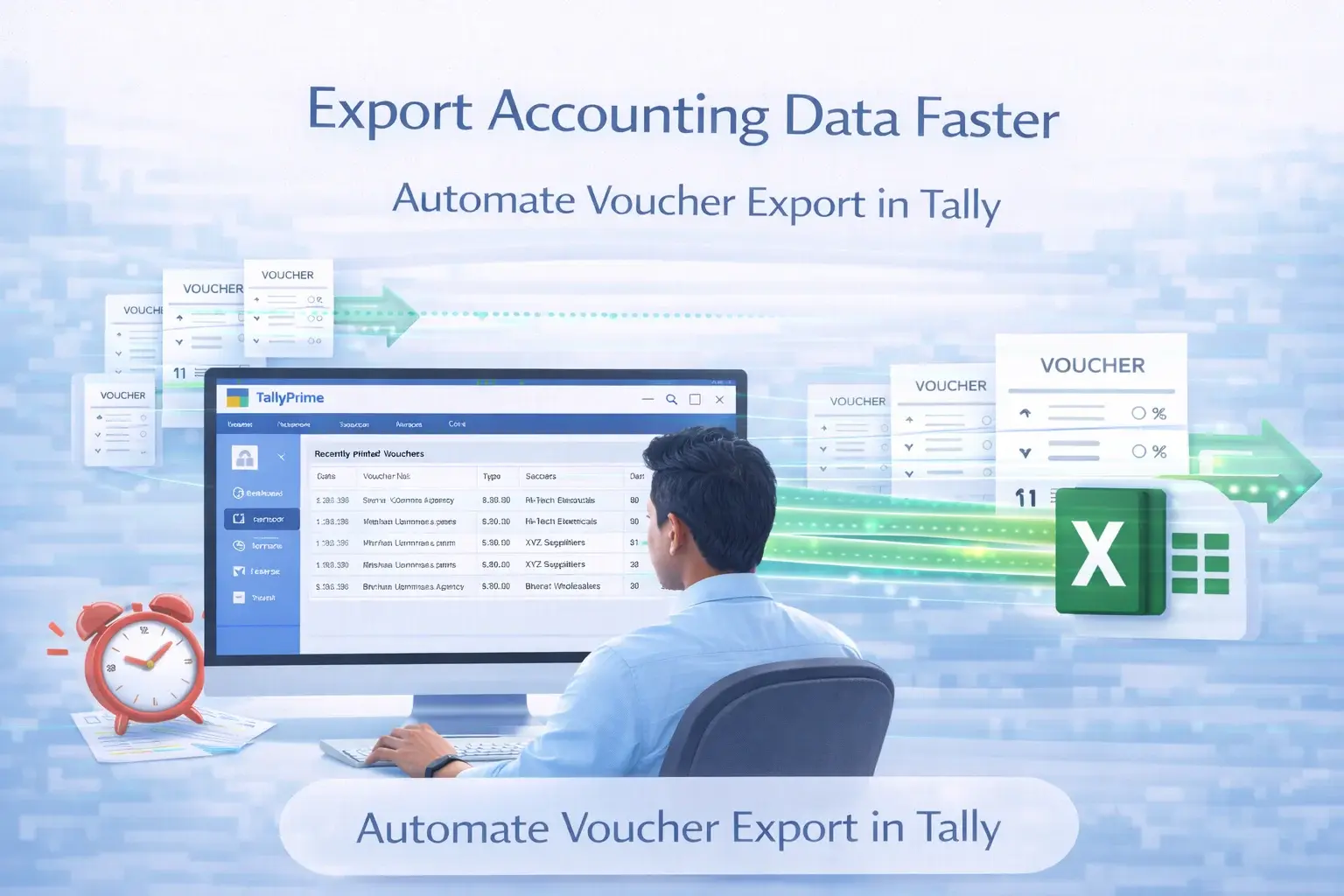
The Auto Export add-on automates the voucher export process inside Tally. Instead of manually exporting individual vouchers, users can export multiple vouchers at once. This exported data can then be used for reporting, reconciliation, auditing, or integration with other business systems, significantly reducing repetitive manual work.
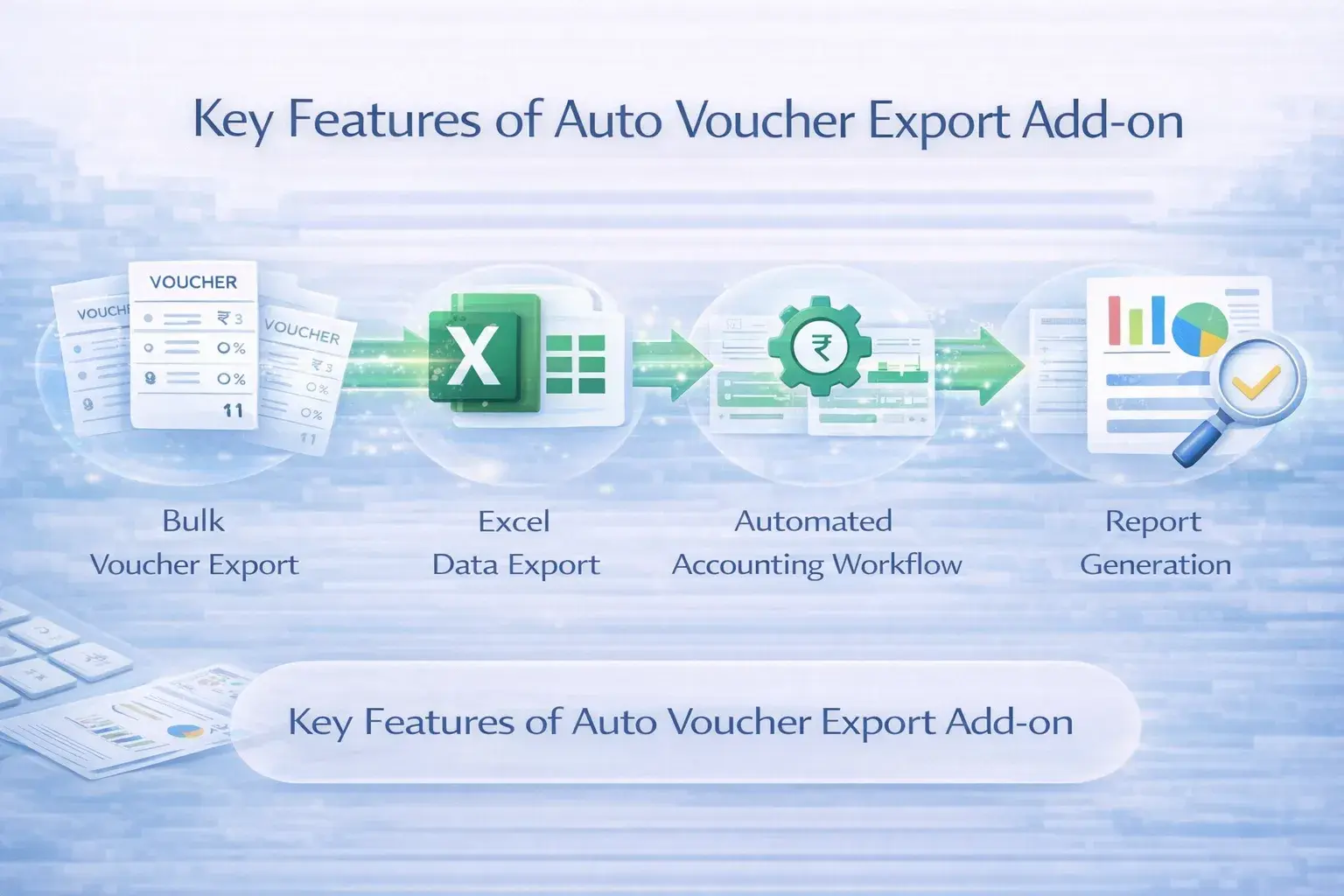
Key Features
- Bulk export in a single process
- Supports Excel & XML formats
- Reduces manual export effort
- Compatible with TallyPrime & ERP 9
Business Benefits
- Faster Export: Handle 100s of vouchers.
- Productivity: Save hours of manual work.
- Analysis: Ready-to-use data for BI tools.
- Efficiency: Streamlined data workflow.
Use Cases & Ideal Users
📊 Financial Reporting: Export data for advanced analysis in Excel or Power BI.
🔍 Audit Preparation: Provide bulk voucher data to auditors instantly.
⚙️ Data Integration: Move accounting data to external ERP or CRM systems.
Frequently Asked Questions (FAQ)
Q: What is the Auto Export Add-on?
It allows bulk export of multiple vouchers from Tally automatically, saving time.
Q: In which formats can I export?
Usually in Excel, XML, or other structured formats based on your setup.
Q: Is it compatible with TallyPrime?
Yes, it works perfectly with both TallyPrime and Tally ERP 9.
Export Tally Voucher Data Faster
Automate voucher export and simplify your financial reporting today.